SETTINGS
DISPLAY
This set of features allows you to customize your display.
GRAPHICS
Select an image for your idle display.
WALLPAPER
1.
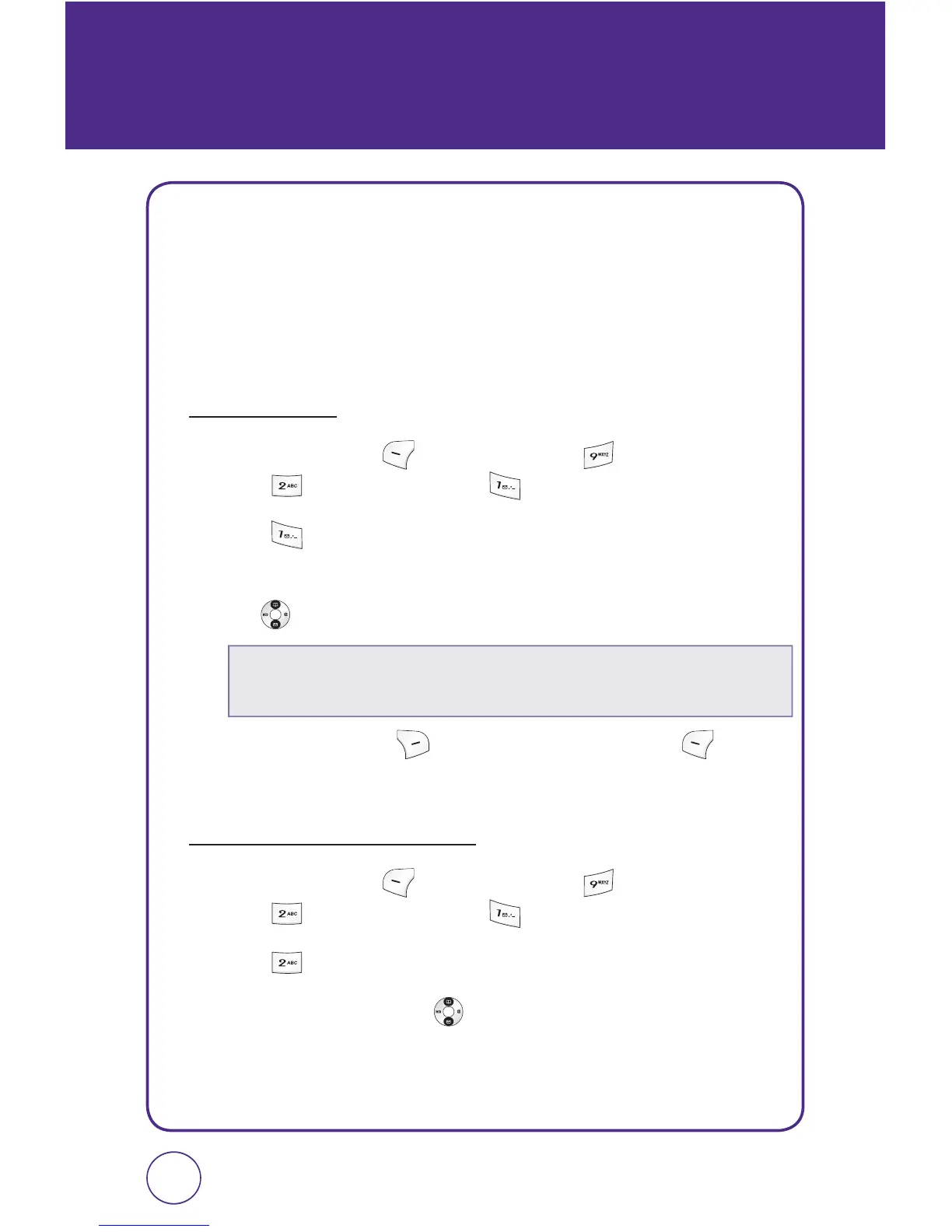
Press Left Soft Key [Menu], then press “Settings”.
Press “Display”, then press “Graphics”.
2.
Press “Wallpaper”.
3.
Select “My graphics” or “My images”, then press the Navigation
Key
up or down to scroll through the images.
4.
Press Right Soft Key [View], or press Left Soft Key
[Select] to save the setting.
CLOCK AND CALENDAR
1.
Press Left Soft Key [Menu], then press “Settings”.
Press “Display”, then press “Graphics”.
2.
Press “Clock and calendar”.
3.
Press the Navigation Key left or right to select one of the
following options:
6160
•
My graphics:
Select
“
Wallpaper_01 ~ Wallpaper_07
“
,
“
Strobe
“
,
“
Party
“
.
•
My images:
Select download image.



 To Next Page