MESSAGING
ERASE MSGS
This feature allows you to erase the messages.
1.
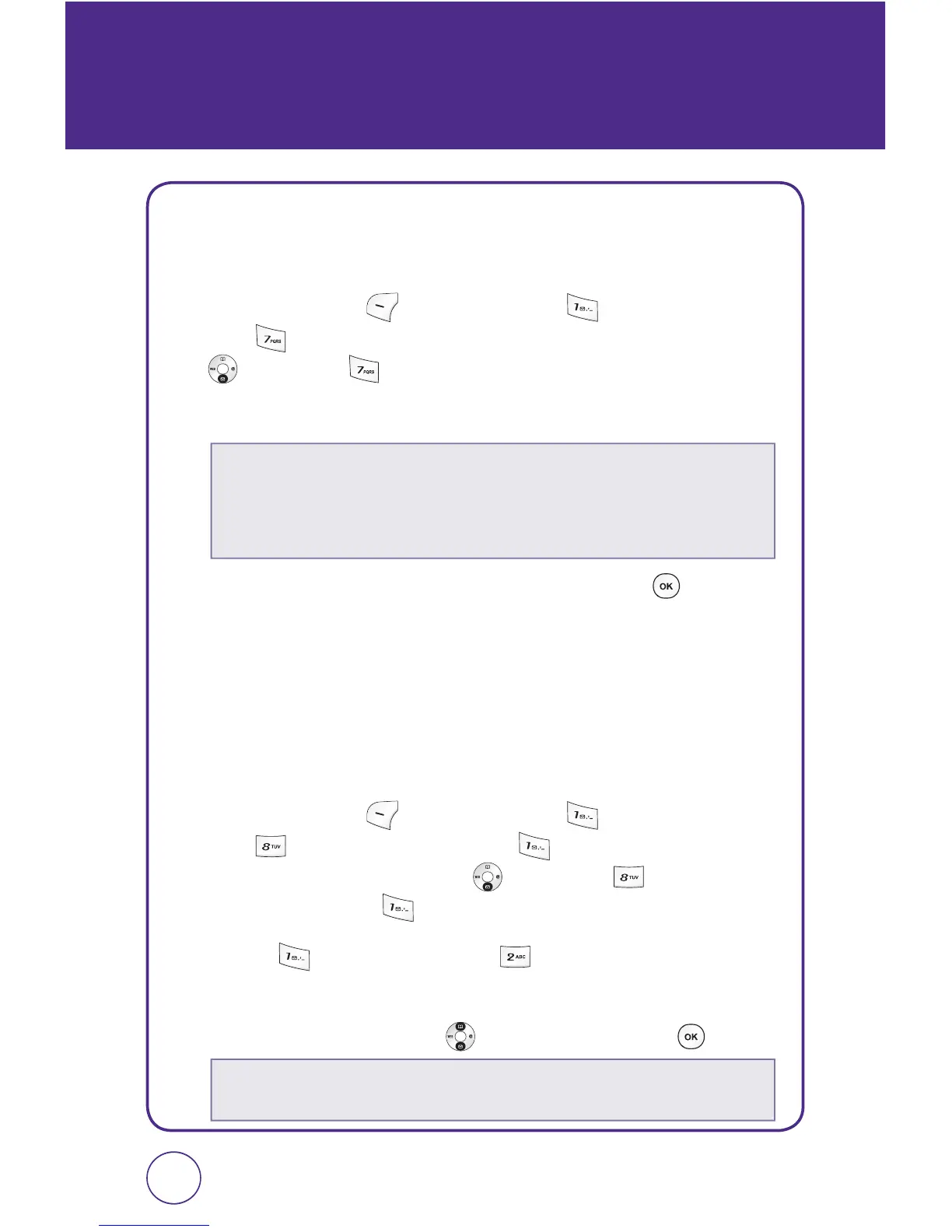
Press Left Soft Key [Menu], then press “Messaging”.
Press “Erase msgs”. Or, in idle mode, press the Navigation Key
down, then “Erase msgs”.
2.
You may choose from the following options:
3.
“Erase all?” will be displayed. Select “Yes” and press to earase
all message.
MSG SETTINGS
This feature enables you to manage your text message settings.
SOUND
1.
Press Left Soft Key [Menu], then press “Messaging”.
Press “Msg settings”, then press “Sound”. Or, in idle
mode, press the Navigation Key
down, then “Msg
settings”, then press
“Sound”.
2.
Select “ Text messaging” or “ Voicemail”.
3.
Select “Preloaded ringtones”, “My tunes” or “Vibration” by
pressing the Navigation Key
up or down, then press .
9796
1. Inbox
2. Web alerts
3. Sent
4. Saved
•
Preloaded ringtones:
Select “Use phone ring“, “Ringer 1 ~ Ringer 4“,
“Alert tone 1 ~ Alert tone 3“.



 To Next Page