1918
ACCESSING THE MENU
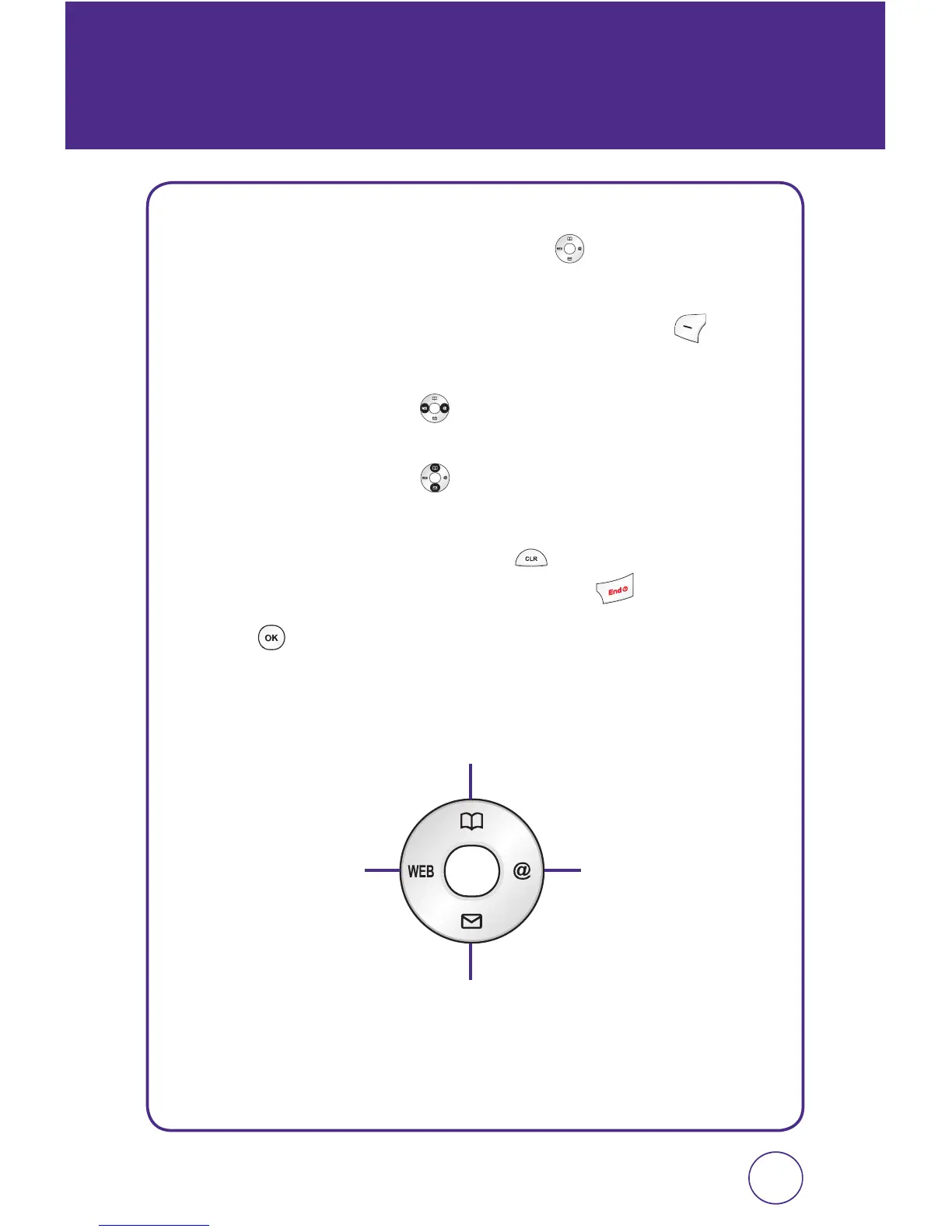
Your phone can be customized via the menu. Each function can be
accessed by scrolling with the Navigation Key
or by pressing the
number that corresponds with the menu item.
1.
To access the menu in the idle mode, press Left Soft Key
[Menu].
2.
Press the Navigation Key left or right to scroll through the
menu items.
Press the Navigation Key
up or down to scroll through the
submenus for each menu item.
3.
To return to the previous page, press . To exit the current menu
and return to the idle mode, press the End Key
.
4.
Press to enter a function when its main page is displayed or
press its assigned number to have direct access to the function.
Contacts
Messaging
@metroMetro Web



 To Next Page