BLUETOOTH
MY DEVICE
1.
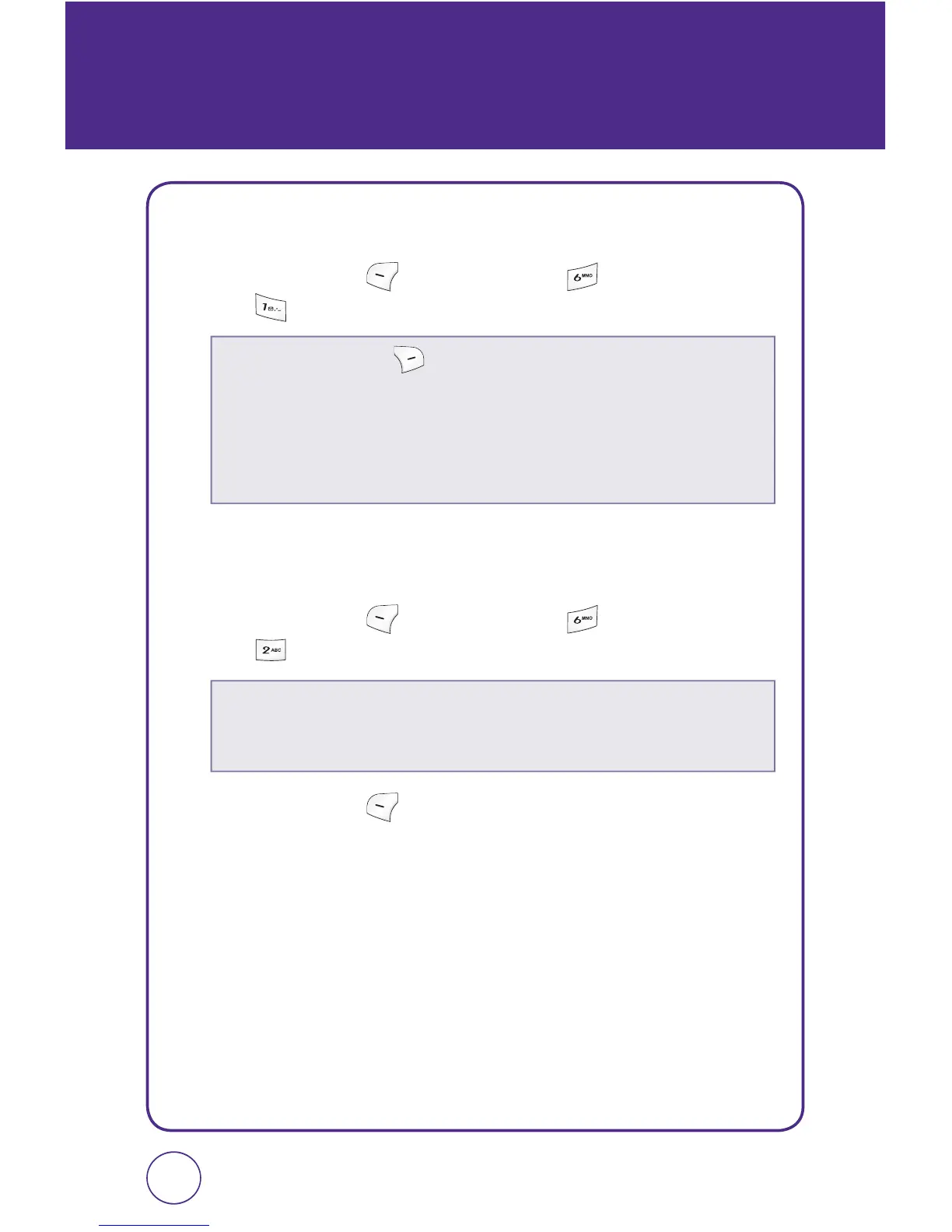
Press Left Soft Key [Menu], then press “Bluetooth”.
Press “My device”.
SETTINGS
1.
Press Left Soft Key [Menu], then press “Bluetooth”.
Press “Settings”.
2.
Press Left Soft Key [Save] to save the settings.
117116
Press Right Soft Key
[Options] to choose from:
•
Add new:
Searches for Bluetooth devices in possible range.
•
Assign short name:
To assign short name.
•
Information:
Displays information about a Bluetooth device.
•
Erase:
To erase a selected Bluetooth device.
•
Erase all:
To erase all Bluetooth devices.
•
Set:
Turn Bluetooth “On“ or “Off“.
•
Visibility:
Select “Hidden” or “Shown to all”.
•
Name:
Edit the name of the device.



 To Next Page