5958
SETTINGS
CONNECT TONE
This alert notifies you that a call has been successfully placed.
1.
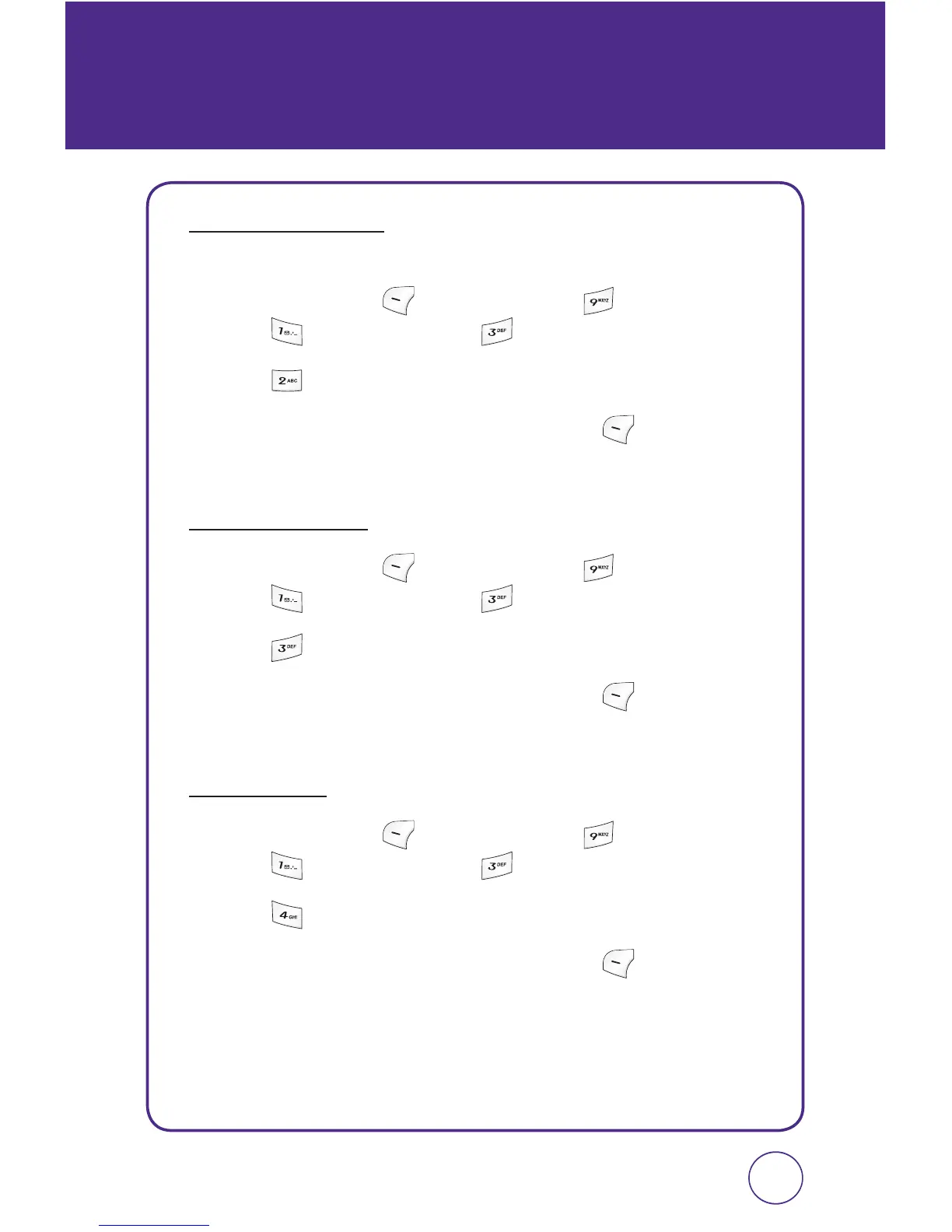
Press Left Soft Key [Menu], then press “Settings”.
Press “Sound”, then press “Alerts”.
2.
Press “Connect tone”.
3.
Select “On” or “Off” then press Left Soft Key [Select] to save
the setting.
SERVICE TONE
1.
Press Left Soft Key [Menu], then press “Settings”.
Press “Sound”, then press “Alerts”.
2.
Press “Service tone”.
3.
Select “On” or “Off” then press Left Soft Key [Select] to save
the setting.
FADE TONE
1.
Press Left Soft Key [Menu], then press “Settings”.
Press “Sound”, then press “Alerts”.
2.
Press “Fade tone”.
3.
Select “On” or “Off” then press Left Soft Key [Select] to save
the setting.



 To Next Page