7978
SETTINGS
PHONE INFO
Displays your phone’s information:
MY MOBILE NUMBER
Displays your phone number.
1.
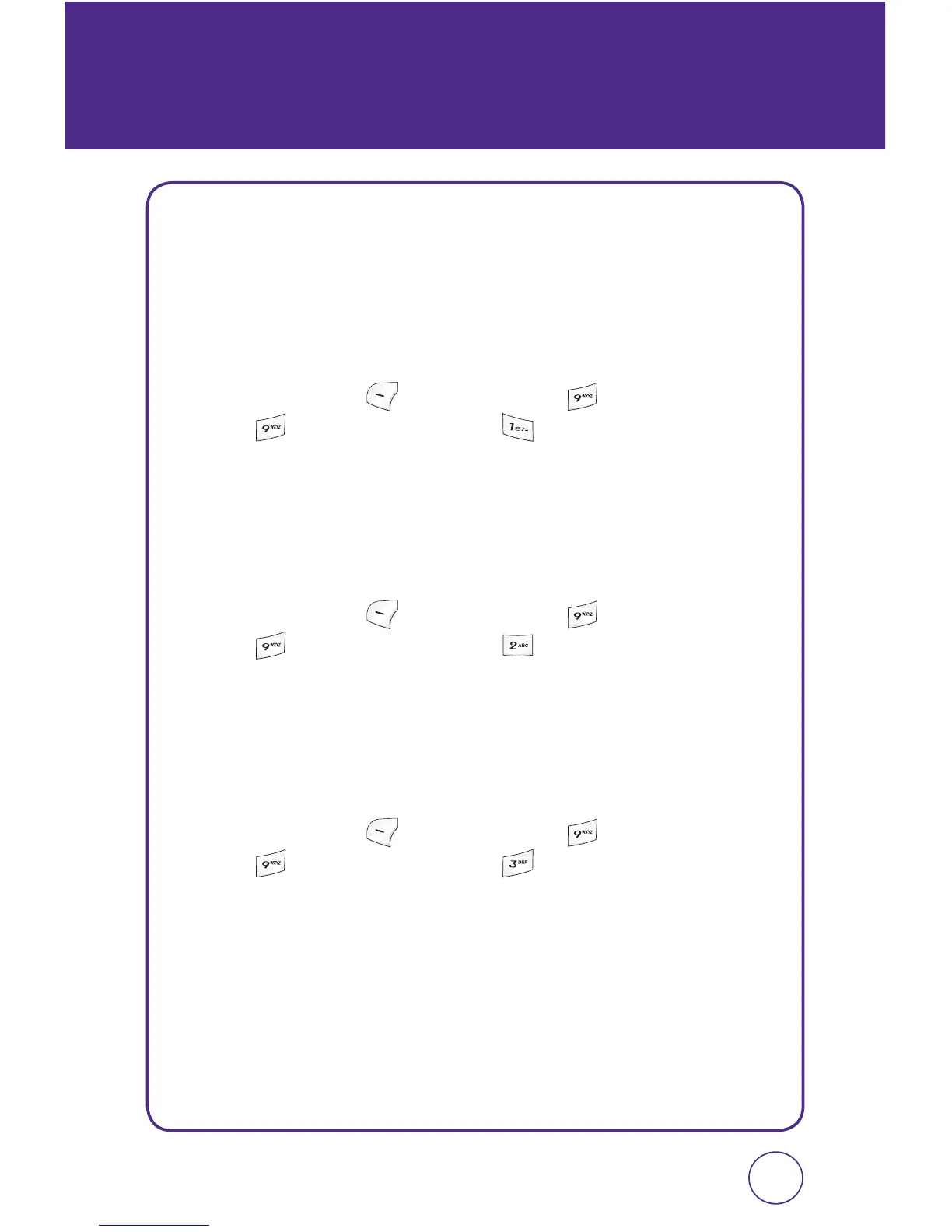
Press Left Soft Key [Menu], then press “Settings”.
Press “Phone info”, then press “My mobile number”.
2.
Your phone number is displayed.
VERSION
Displays your phone’s software version.
1.
Press Left Soft Key [Menu], then press “Settings”.
Press “Phone info”, then press “Version”.
2.
Your phone’s software version is displayed.
ICON GLOSSARY
Displays some of the indicator icons of your phone.
1.
Press Left Soft Key [Menu], then press “Settings”.
Press “Phone info”, then press “Icon glossary”.
2.
Your phone’s indicator icons are displayed.



 To Next Page