9796
MESSAGING
4.
Press Left Soft Key [Select] to save the setting.
REMINDER
When Reminder is on, your phone periodically alerts the user until all
the received messages are checked by the user.
1.
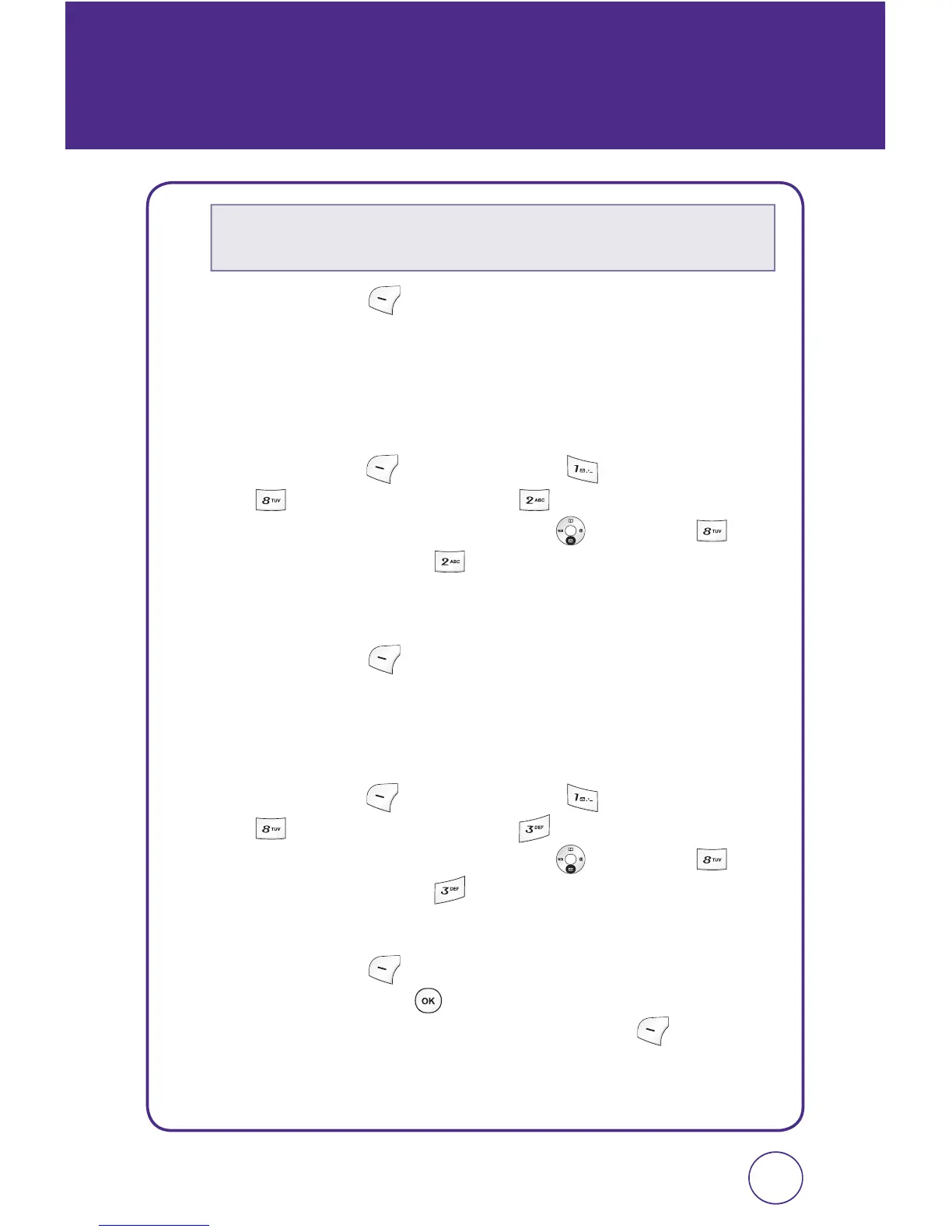
Press Left Soft Key [Menu], then press “Messaging”.
Press “Msg settings”, then press “Reminder”.
Or, in idle mode, press the Navigation Key
down, then
“Msg settings”, then press
“Reminder”.
2.
Select “On” or “Off”.
3.
Press Left Soft Key [Select] to save the setting.
AUTO TEXT
To edit the Auto text message you have saved:
1.
Press Left Soft Key [Menu], then press “Messaging”.
Press “Msg settings”, then press “Auto text”.
Or, in idle mode, press the Navigation Key
down, then
“Msg settings”, then press
“Auto text”.
2.
Select a message from the list. To add a new Quick Text message,
press Left Soft Key
“Add new”. To edit the Quick Text message
you have selected, press
. Press to delete any characters you
don’t want then enter your text. Press Left Soft Key
[Save] to
save the text and return to the Auto Text list.
•
My tunes:
Select downloaded Ringer.
•
Vibration:
Select “Use phone vib.“ or “Vibration 1 ~ Vibration 6“.



 To Next Page