USER'S GUIDE____________________________________________________________________
22 __________________________________________________________________ M210361EN-E
CAUTION
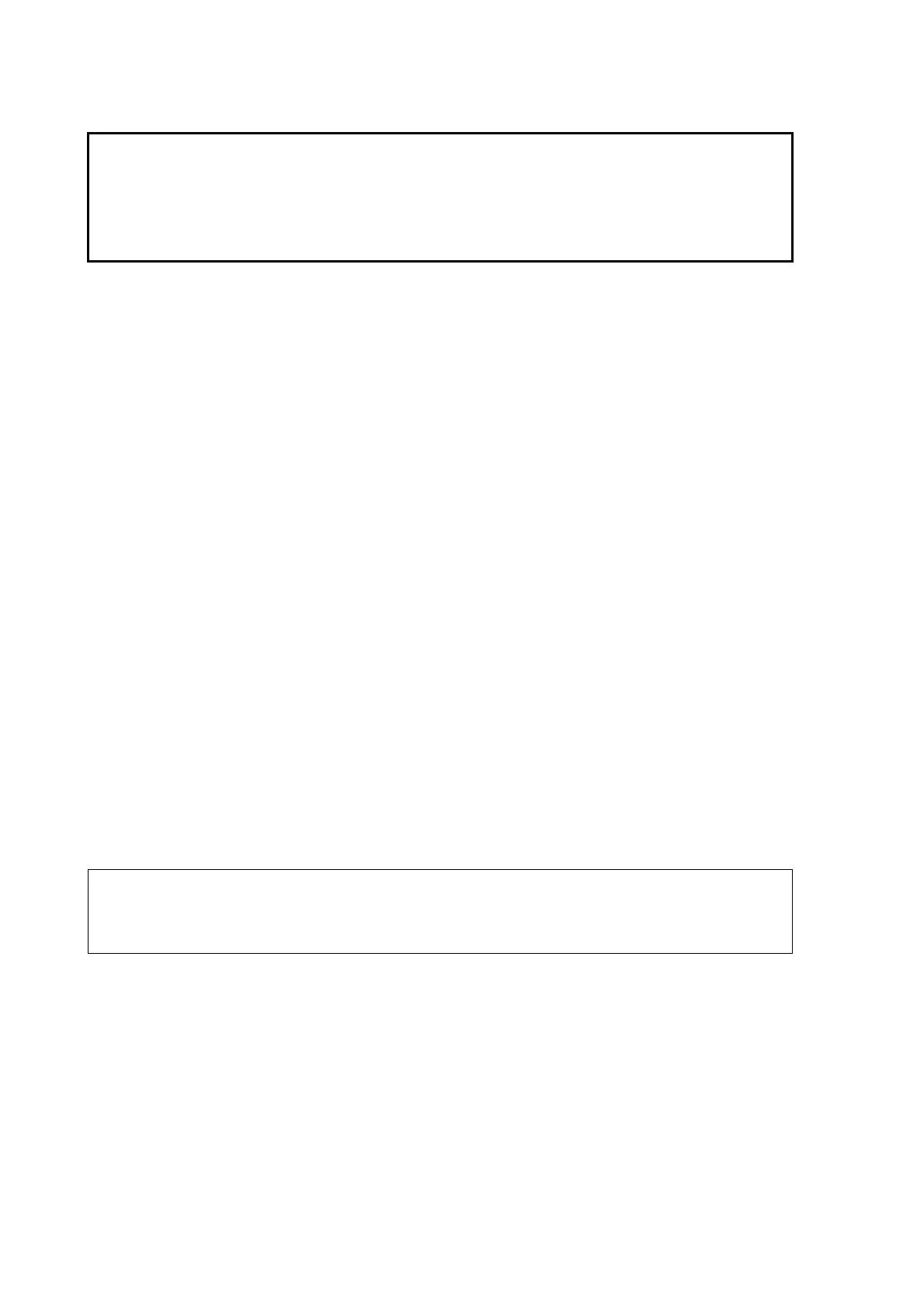
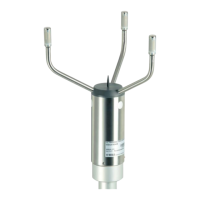
A transducer is located at the top of each of the three arms. Be careful
not to damage any of the transducers. Dropping the sensor can break or
damage the transducer or the arms will bend and they cannot be re-
aligned. Damage can also be caused if the transducers are twisted (the
transducers are not screwed into the arms).
Factory Settings
There are two different factory settings available for WS425 if a serial
RS-232 protocol is used. For RS-485 and RS-422 protocols, only a single
factory configuration is available.
The factory settings are for firmware version v6.12 unless indicated
otherwise.
RS-232 Default Settings for USA
Operation Mode: Handar RS-232
Wind Speed Units: Miles/Hour
Average Interval (seconds): 1
Averaging Method: Scalar
Output Interval (seconds, 0 for polled): 0
Sensor ID Character: A
Wind Direction Coast Threshold (speed units): 0.0
Head Orientation: Up
Baud Rate: 2400b
Parity: None
Data Bits: 8
Save Configuration
Do Zero Speed Calibration
Resume Operation
NOTE
These default settings are delivered with product ordering options x1xxx
(for example, WS425 A1A2A, where the number 1 refers to the default
settings).


 To Next Page