Manual for VAKI Micro/Macro
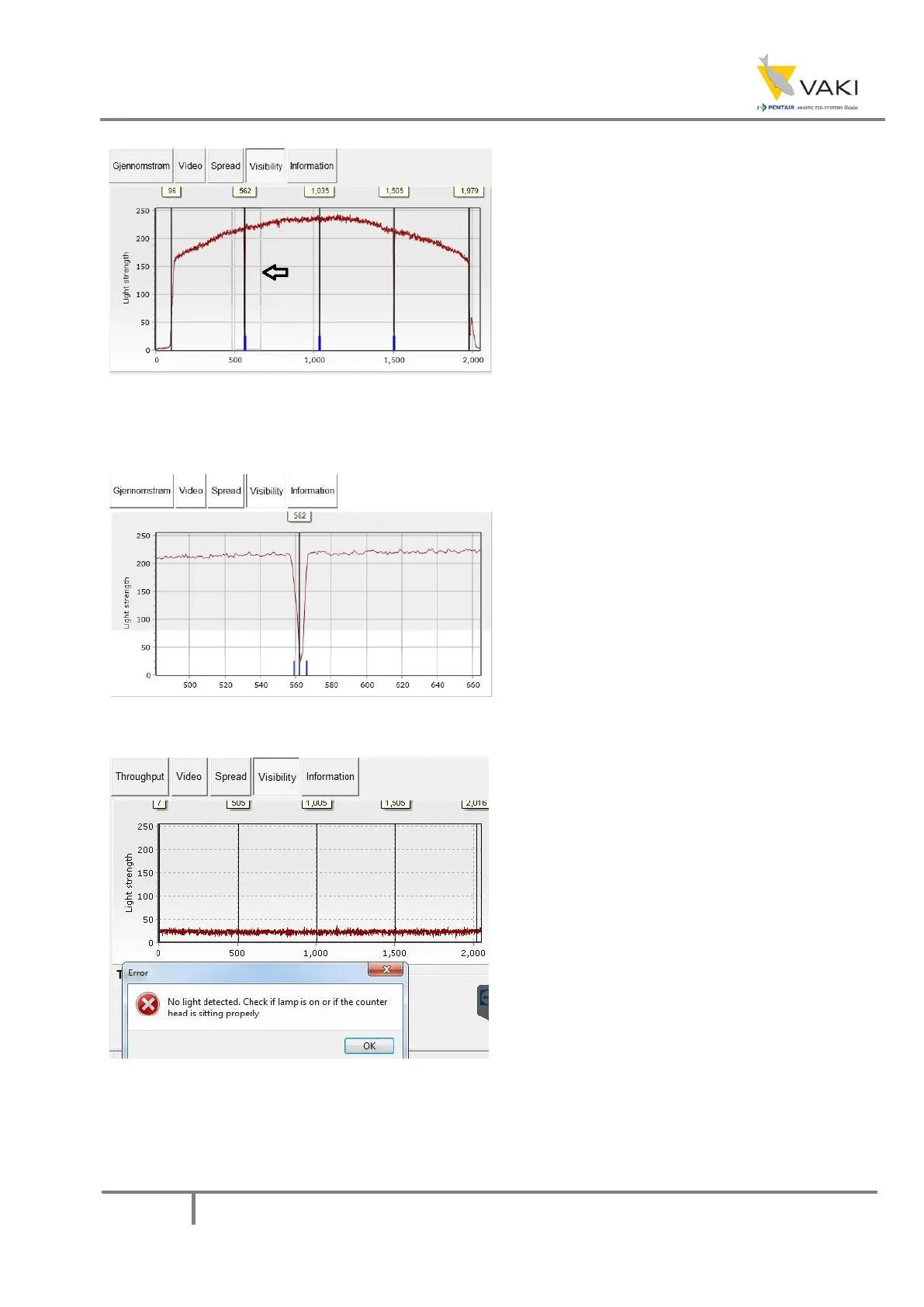
Figure 22 - Visibility Example 4
It is possible to zoom in the visibility graph. By
clicking and dragging to the right and down,
you can zoom in on a portion of the graph.
Figure 23 - Visibility Example 5
This figure shows the result of zooming in on
one of the bulkheads. To get back to the
entire graph, one can click-and-drag left and
up anywhere on the chart.
Figure 24 - Visibility Example 6
This is an example of how the graph may look
if the light is not turned on or that the
counting head is incorrectly mounted on the
counting body.



 To Next Page