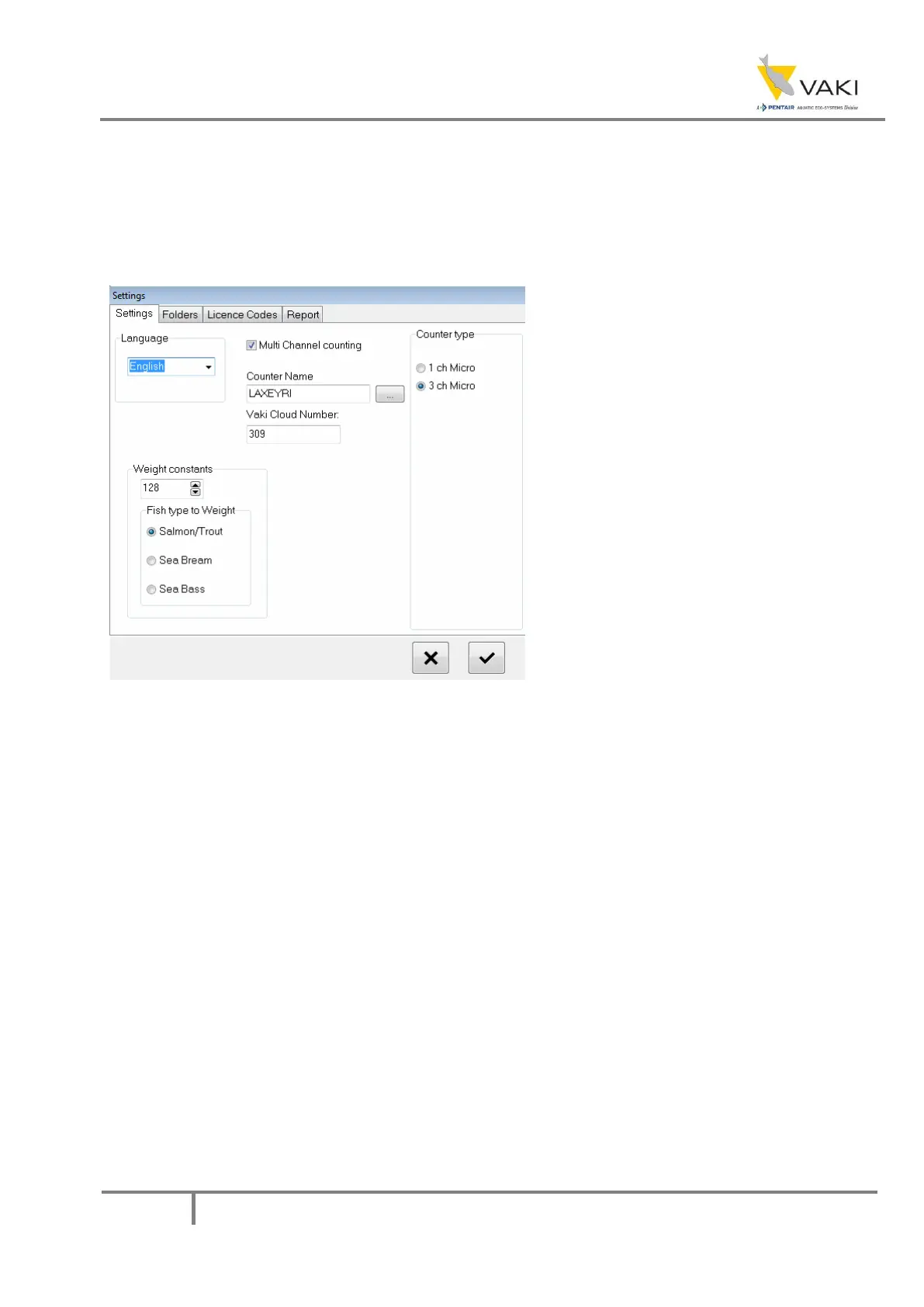
In this window you can choose the
language (English, Icelandic, Norwegian
and Spanish).
The weight constant is used to fine-
tune the weight estimation for each fish
species. The general rule is to
increase/decrease the weight constant by
50% of the error. Example: the average
weight result is 110gr, but 100gr was
expected, so the result is believed to be
10% too high, so the weight constant
should be increased by 5% (1,05x128) =
135 should the new weigth constant.
To switch between multi channel and
single channel counting, use the Multi
channel counting checkbox.
Counter type indicates which type of
counter the head is mounted on.
The counter name can also be
changed.



 To Next Page