6.4. Device information
In the Configuration menu, select Device Info (3). The
following menu appears:
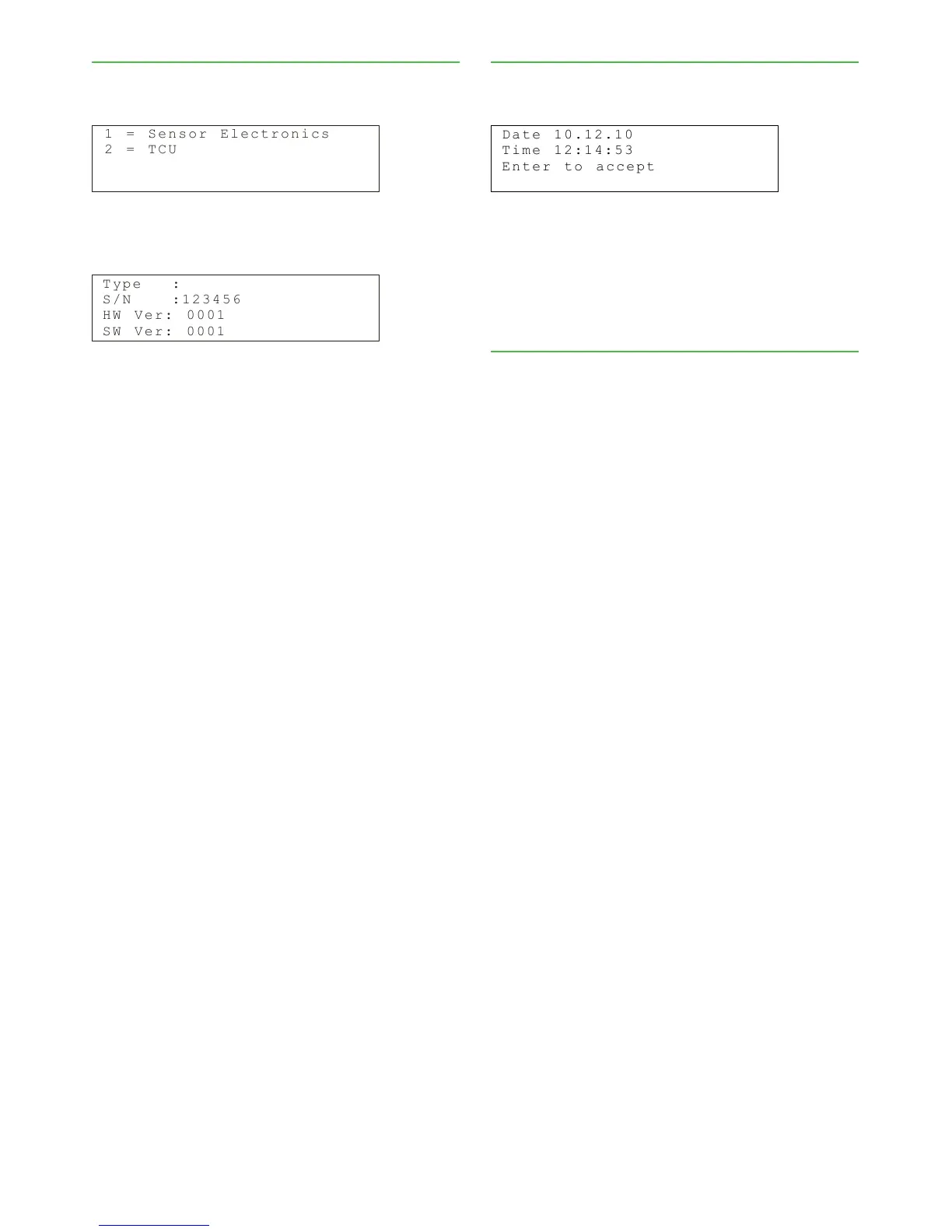
1 = S e n s o r E l e c t r o n i c s
2 = T C U
Select Sensor Electronics (1) to view sensor electron-
ics information.
T y p e :
S / N : 1 2 3 4 5 6
H W V e r : 0 0 0 1
S W V e r : 0 0 0 1
S/N: Sensor electronics serial number.
HW Ver: Sensor electronics version number.
SW Ver: Sensor electronics software version number.
Select TCU (2) to view corresponding data for the
TCU.
6.5. Setting the date and time
In the Configuration menu, select Set clock. The follow-
ing menu appears:
D a t e
T i m e 1 2 : 1 4 : 5 3
E n t e r t o a c c e p t
1 0 . 1 2 . 1 0
The date and time shown in this menu are used as
a time stamp in the trend table and for calibration
samples. The main display status line shows "Set clock"
until you have set the time. Use the EDIT and SAVE
buttons to edit and save date and time settings.
6.6. Address
Valmet MCA's address on HART bus.
Installation & Owner’s manual OUL00298 V2.3 EN
28
Valmet Mircowave Consistency Transmitter



 To Next Page