Enter Lab
This function allows you to enter the laboratory value
for the sample taken.
Move the cursor onto Enter Lab and press the right
arrow. The following display appears:
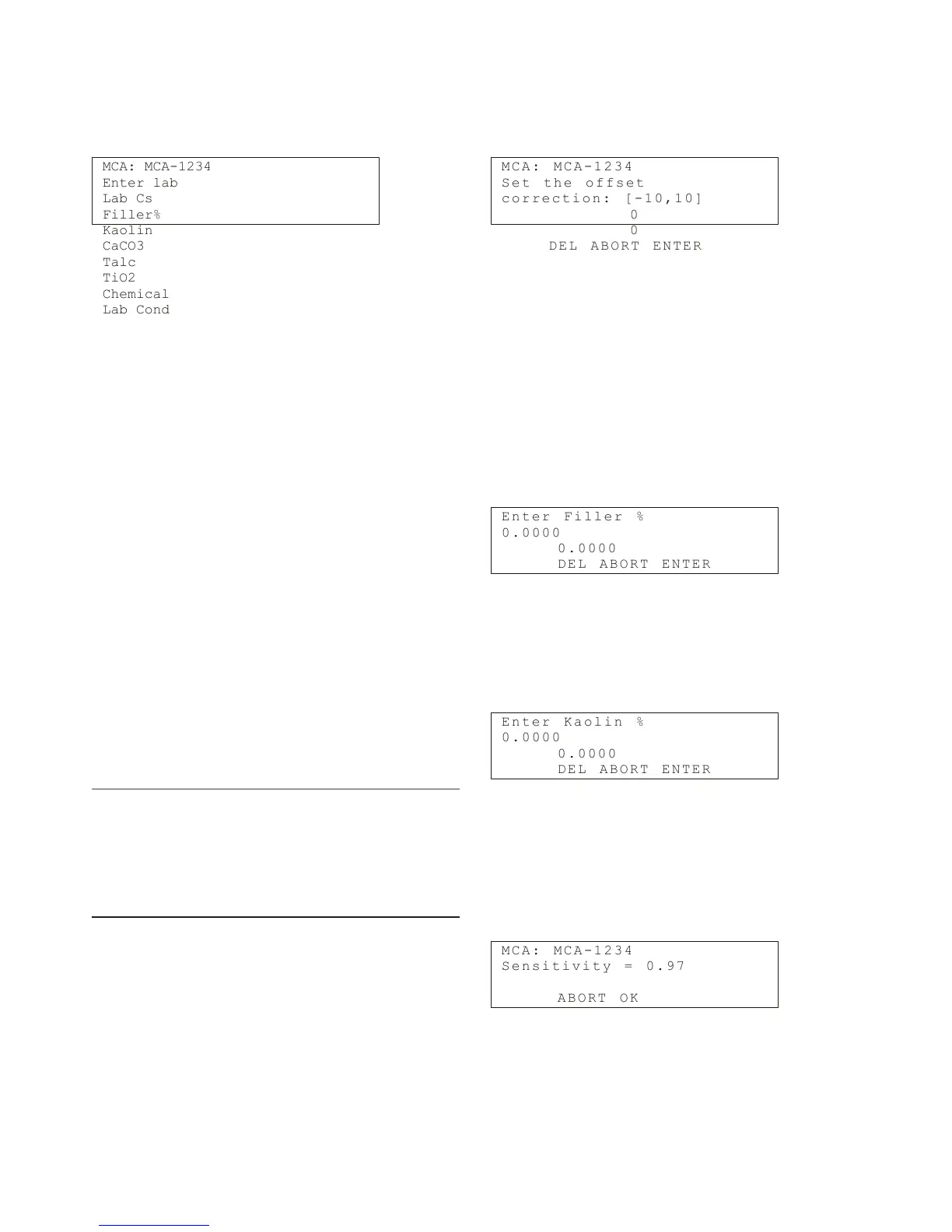
MCA: MCA-1234
Enter lab
Lab Cs
Filler%
Kaolin
CaCO3
Talc
TiO2
Chemical
Lab Cond
Enter the necessary laboratory information:
Lab Cs: Laboratory consistency.
Filler %: The relative proportion of filler in the total
consistency, shown as a percentage.
Kaolin%: The relative proportion of Kaolin in the filler,
shown as a percentage.
CaCO3%: The relative proportion of CaCO
3
in the filler,
shown as a percentage.
Talc%: The relative proportion of talc in the filler,
shown as a percentage.
TiO2%: The relative proportion of TiO
2
in the filler,
shown as a percentage.
Chemical: Chemical type (required only for chemical
compensation).
Lab cond: Laboratory conductivity mS/cm (required
only for chemical compensation).
NOTE: If the conductivity meter shows results in units
µmho/in, divide the result by 2500, e.g. 25 000 µmho/in
= 10 mS/cm. If the conductivity meter shows results in
units mS/m, divide the result by 100, e.g. 550 mS/m = 5.5
mS/cm. If the conductivity meter shows results in units
µS/cm, divide the result by 1000, e.g. 5500 µS/cm = 5.5
mS/cm.
Offset corr
This function allows you to perform level correction on
the measurement.
Move the cursor onto Level corr and press the right
arrow. The following display appears:
M C A : M C A - 1 2 3 4
S e t t h e o f f s e t
c o r r e c t i o n : [ - 1 0 ,1 0]
0
0
D E L A B O R T E N T E R
Enter the desired value and press ENTER (F4). The
HART Communicator sends the value to Valmet MCA.
Filler
Valmet MCA measures filler, but at a slightly different
sensitivity than fibers. The Filler function allows you to
inform the device about filler changes if the relative
total filler percentage changes more than 5 percentage
points.
Move the cursor onto Filler and press the right arrow.
The following display appears:
E n t e r F i l l e r %
0 . 0 0 0 0
0 . 0 0 0 0
D E L A B O R T E N T E R
In this field enter the relative filler percentage. For
example, if the total consistency is 3 %Cs and the filler
percentage of that is 0.3 %Cs absolute consistency,
then the relative total filler percentage is 0.3 %Cs / 3
%Cs x 100 % = 10 %:
E n t e r K a o l i n %
0 . 0 0 0 0
0 . 0 0 0 0
D E L A B O R T E N T E R
Enter the relative percentage of kaolin and press
ENTER (F4). Repeat these steps for CaCO
3
, talc, and
TiO
2
. The sum of the filler components must be 100 %.
After you have entered the values, then the display
shows the filler sensitivity compared to wood fiber, as
calculated by the device.
M C A : M C A - 1 2 3 4
S e n s i t i v i t y = 0 . 9 7
A B O R T O K
Select OK (F4) to return to Calibrate display.
Installation & Owner’s manual OUL00298 V2.3 EN
54
Valmet Mircowave Consistency Transmitter


 To Next Page