Page 10
Heating and Cooling Modes
This thermostat can be configured for automatic operation (AUTO). It will select between heating
and cooling based on the Active Setpoint.
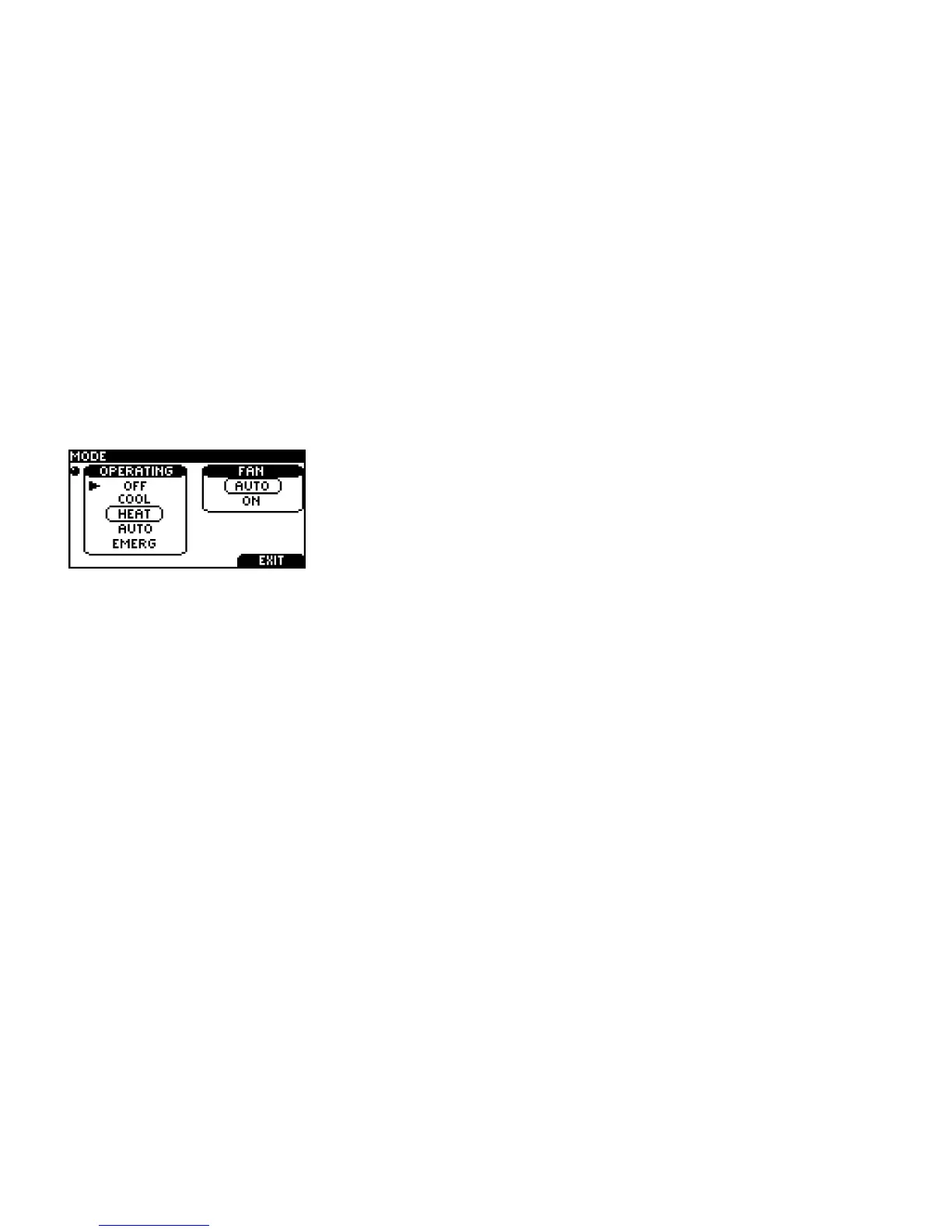
You can manually change the operating mode between AUTO, HEAT, COOL, OFF, and EMERG.
Press the RIGHT TAB button on the home screen to view this
screen
Use the SCROLL to select the desired operating mode. Press
SELECT to engage the operating mode.
AUTO: The thermostat automatically selects heating or cooling depending on the indoor
temperature.
HEAT: The thermostat controls only the heating system.
COOL: The thermostat controls only the cooling system.
OFF: Heating and cooling systems are off.
EMERG.: (only for heat pumps with auxiliary heat). The thermostat only controls the Emergency
(Auxiliary) heat leaving the heat pump’s compressor locked out. Use this setting only when you
suspect the heat pump is out of service or the outdoor conditions render inefficient the operation of
the heat pump.



 To Next Page