Page 11
Fan Modes
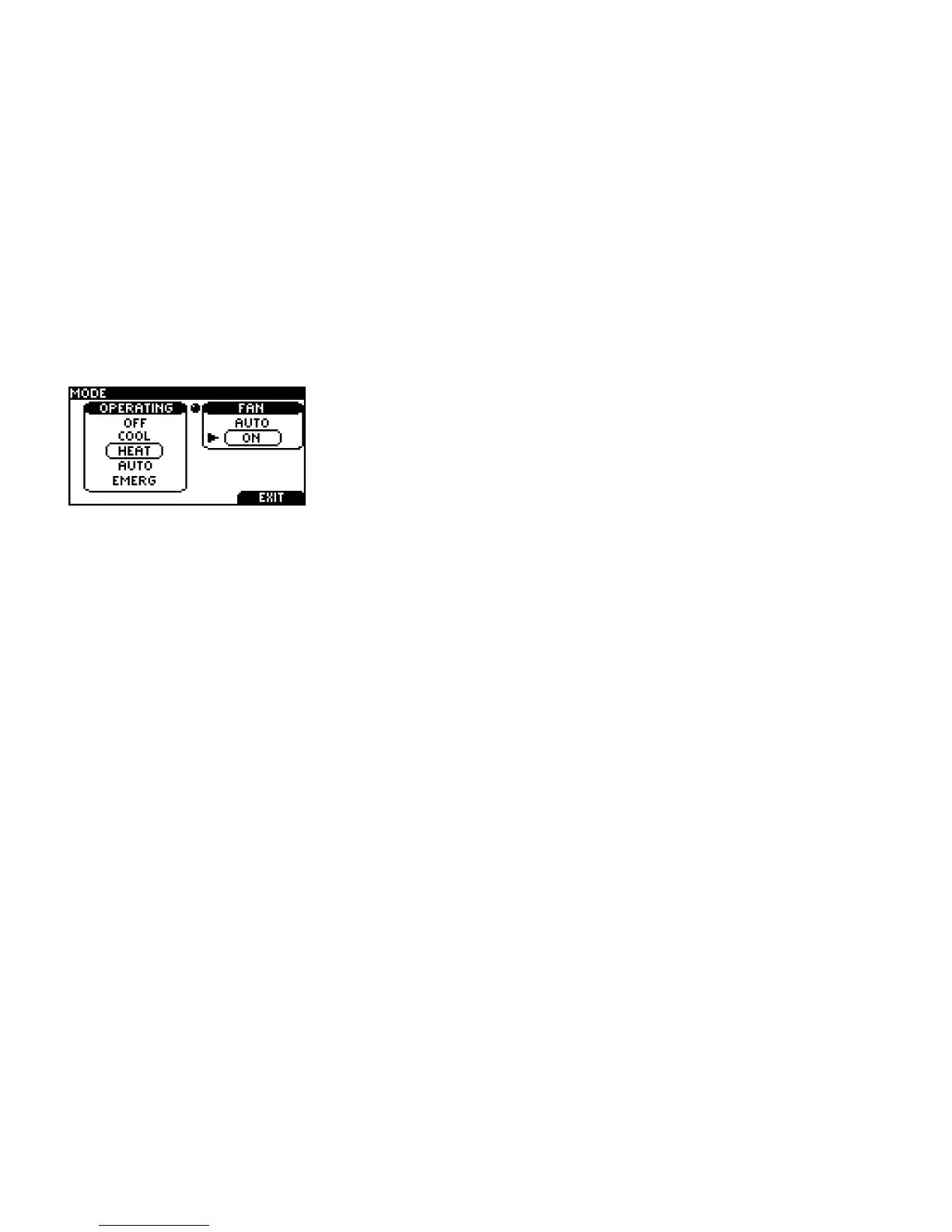
You can manually change the fan mode between AUTO and ON.
Press the RIGHT TAB button on the home screen to view this
screen
SCROLL through the operating modes to get to the fan modes,
then press SELECT to engage the desired fan mode.
AUTO: The fan runs only when the heating, cooling, or emergency systems are on. For
conventional systems with the option FAN ON IN HEAT set to NO, the fan is not controlled by the
thermostat but by the furnace.
ON: The fan runs continuously.



 To Next Page