SECTION 2
GETTING STARTED
2.3 Setting Up the Osmometer
20
5
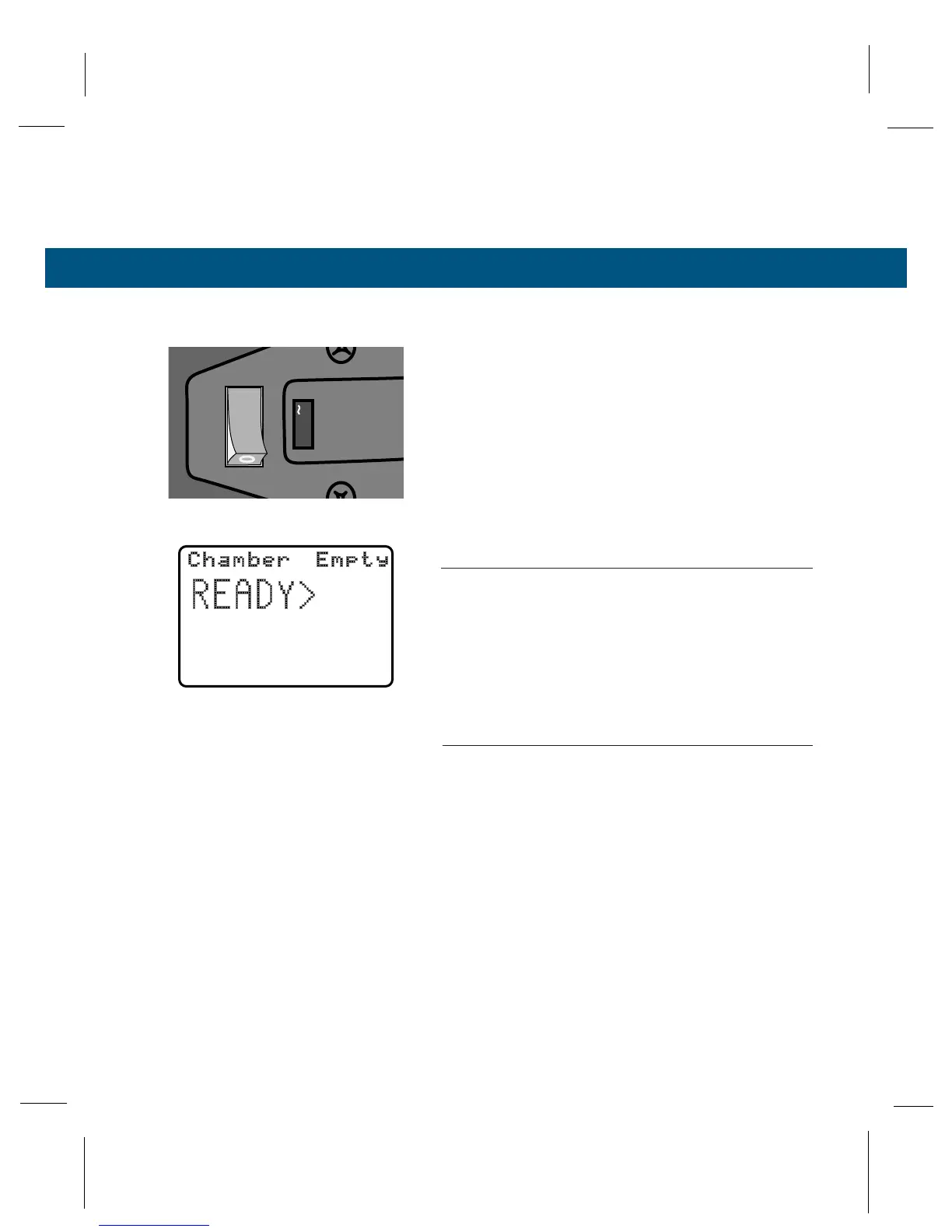
Turn the osmometer on (I). The POWER indica-
tor on the front panel shows green when power
is on.
The display screen will briefly show the Wescor
logo, language and unit selection, and the resident
software version. This will be followed by the word
“initialization” with a countdown timer.
To change the displayed language or units of mea-
sure, see Appendix G, Setup Menu.
NOTE:
If you open the chamber lever before the end of the ini-
tialization cycle, the warning chime sounds.
The initialization cycle establishes the reference
point for the instrument. When the initialization cycle
is complete, the display screen will appear as shown
on the left.
NOTE:
Even though the screen at this point indicates the instru-
ment is ready, calibration will not be stable until the
instrument reaches thermal equilibration (see below).
Temperature Drift Scale
Osmolality determination involves the measurement
of extremely small temperature differentials. The
osmometer is thus sensitive to ambient temperature
changes which induce internal temperature changes.



 To Next Page