SECTION 3
OPERATING THE VAPRO OSMOMETER
3.1 Operation Overview
30
The modes are described below.
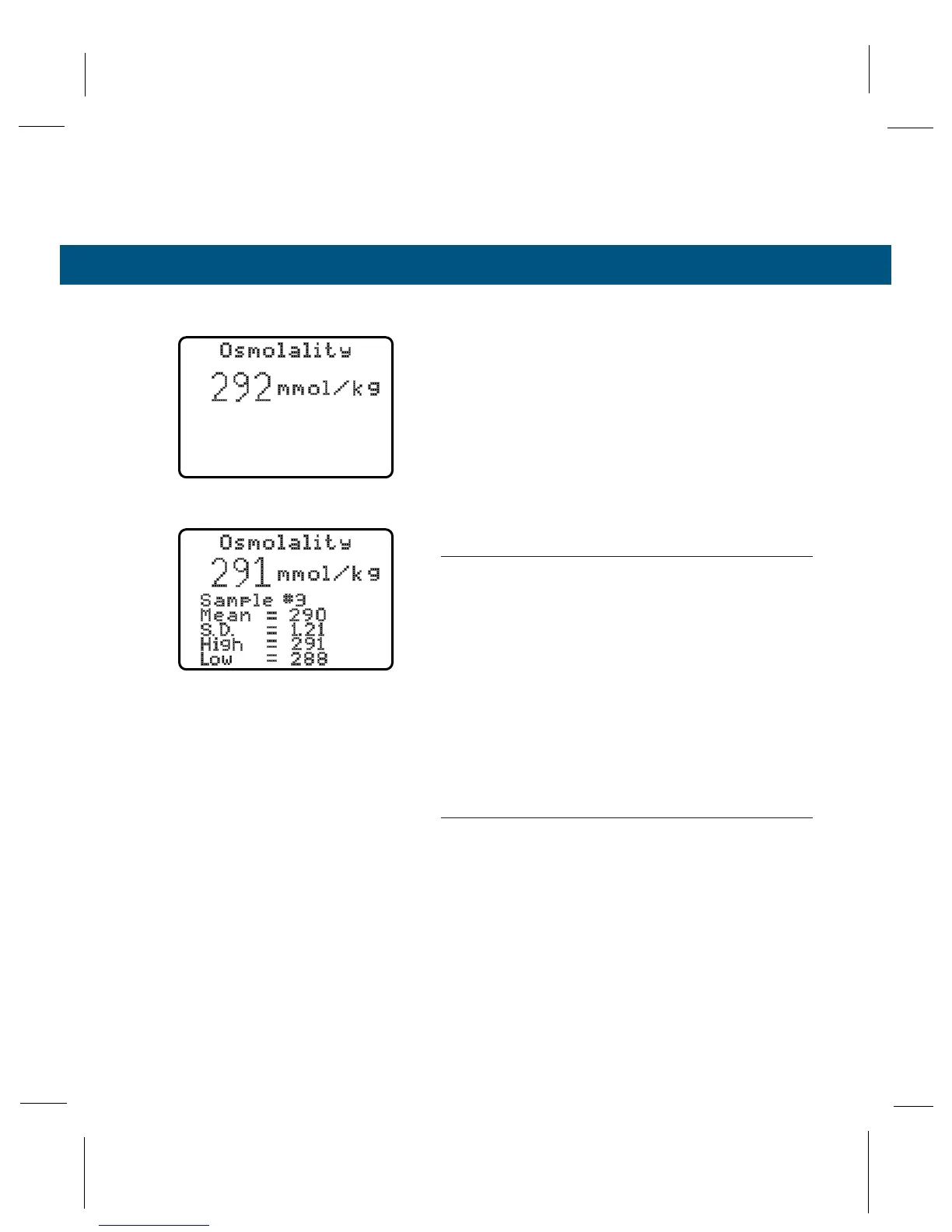
Normal Mode
For routine running of single samples. Does not dis-
play any statistical data. This mode is the default
setting upon power-up of the instrument.
Average Mode
Will run single samples while maintaining statistical
data on up to 32 samples. These data include the
number of samples run (1 to 32), mean, standard
deviation, highest result and lowest result.
NOTE:
If a 33rd sample is run, the result will displace the first
sample, a 34th sample will displace the second sample,
and so on. The statistical evaluation will always be based
upon the latest 32 samples, if more than 32 samples are
assayed.
Average Mode is useful when you need the best
possible accuracy. When the instrument is calibrated
in Average Mode, calibration is adjusted to the mean
value of the assayed samples. Calibration resets the
operation mode to Normal Mode (see Section 3.5).
NOTE:
We recommend calibrating in Average Mode using 3 or 4
samples of each calibrating solution value.
To restart a new set of precision values, bring up the
Mode Menu (the arrow should be pointing at
Average Mode). The next sample assayed will be
sample #1 in the data group. Or, select the Mode
Menu immediately after running a sample, before
opening the chamber. Select Average Mode and
press ENTER. The last sample assayed will be #1 in
the data group.
Normal Mode
Average Mode



 To Next Page