SECTION 3
OPERATING THE VAPRO OSMOMETER
3.1 Operation Overview
31
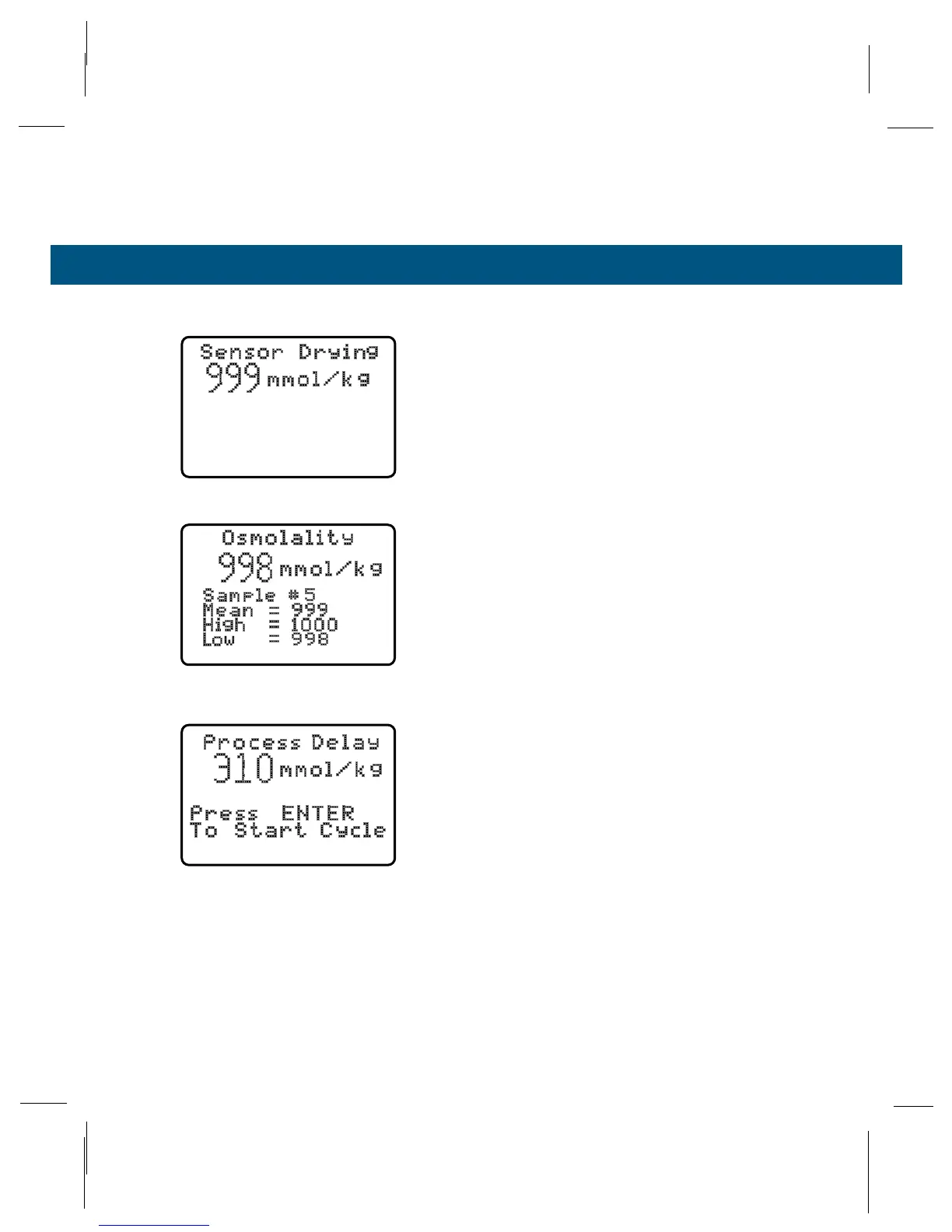
Auto Repeat Mode
Checks the repeatability of the osmometer on the
same sample. The instrument will automatically run
10 consecutive measurements on the sample, (usu-
ally a 1000 mmol/kg Optimol sample) and display
the statistical data. Since the chamber is not opened
between measurements as in other modes, a short
delay occurs between each measurement while
water evaporates from the thermocouple. During this
time the display screen shows “Sensor Drying.”
Low osmolality samples (below 200 mmol/kg) may
show a difference between the first and any subse-
quent readings if the chamber is contaminated (see
Section 3.4).
The Auto Repeat sequence can be interrupted at
any point simply by opening the sample chamber.
Process Delay Mode
Complex samples (such as leaf and other samples
from which water may not readily evaporate) require
long periods to reach vapor equilibrium. Process
Delay Mode delays the measurement cycle after you
close the chamber until you press ENTER. In
research applications, this lets you delay measure-
ment until vapor equilibrium is achieved. The mea-
surement can be repeated without opening the
chamber and to avoid vapor loss. See Appendix D
for more information.
Process Delay Mode
Auto Repeat Mode



 To Next Page