SECTION 3
OPERATING THE VAPRO OSMOMETER
3.2 Loading Samples
35
Sample Loading Procedure
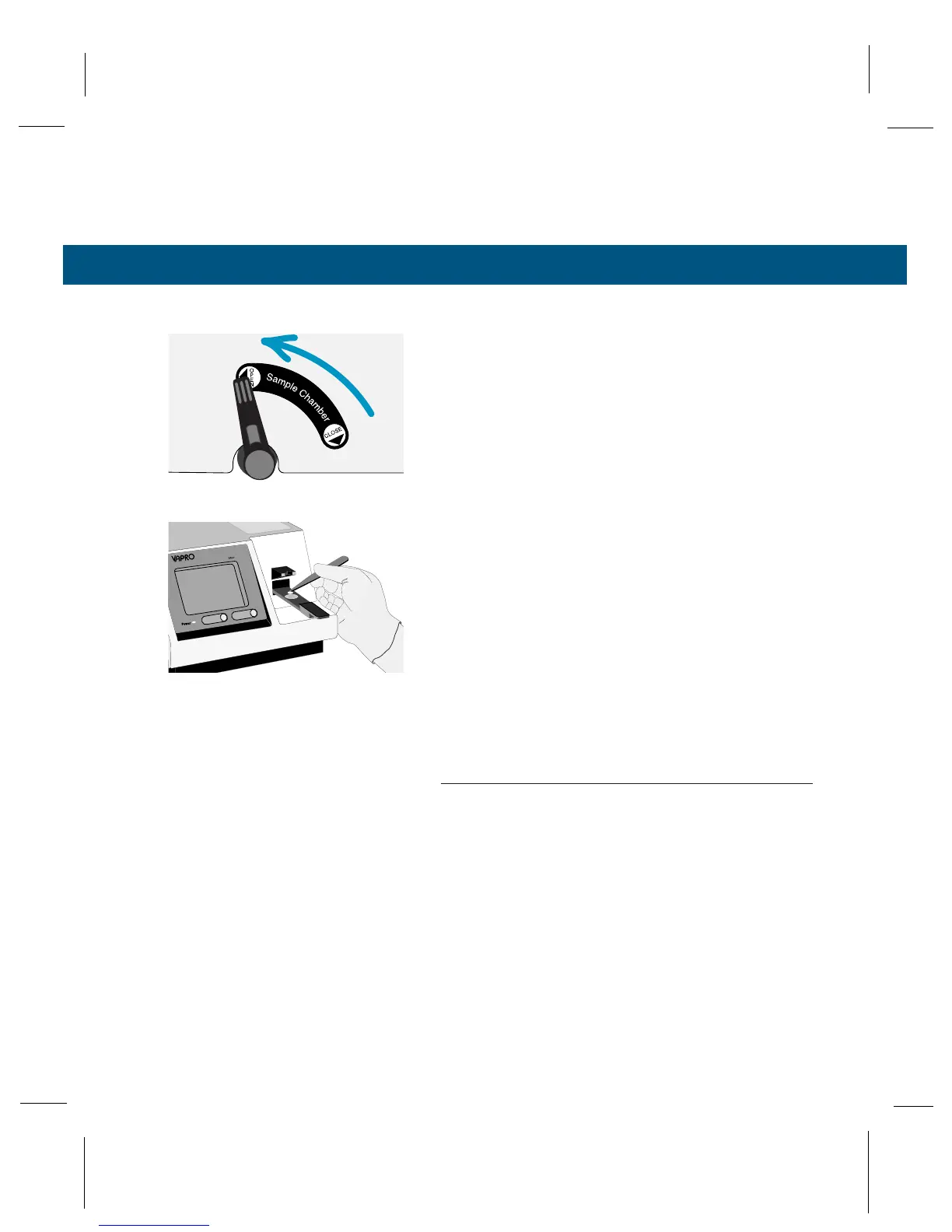
1
Rotate the sample chamber lever upward and pull
the sample slide out from the instrument until it
comes to a stop, bringing the sample holder direct-
ly under the pipettor guide.
2
Use the forceps supplied with the instrument to
place a single sample disc in the central depres-
sion of the sample holder. Make sure you have
picked up only a single disc. If necessary, use the
forceps and a teasing needle to separate discs. If
two discs stick together, the reading will be slightly
elevated. Reject imperfect discs or any that do not
lie flat.
3
With a clean tip installed, aspirate a sample into
the micropipettor by depressing the plunger to the
stop, immersing the tip, and gently releasing the
plunger.
NOTE:
Normally, sample droplets will not cling to the outside of
the tip. If they do, they can usually be removed simply by
dragging the tip against the lip of the container as you
remove it. Occasionally a clinging droplet may have to be
removed with a tissue, but be very careful not to wick solu-
tion out of the tip.



 To Next Page