8-14
8.10
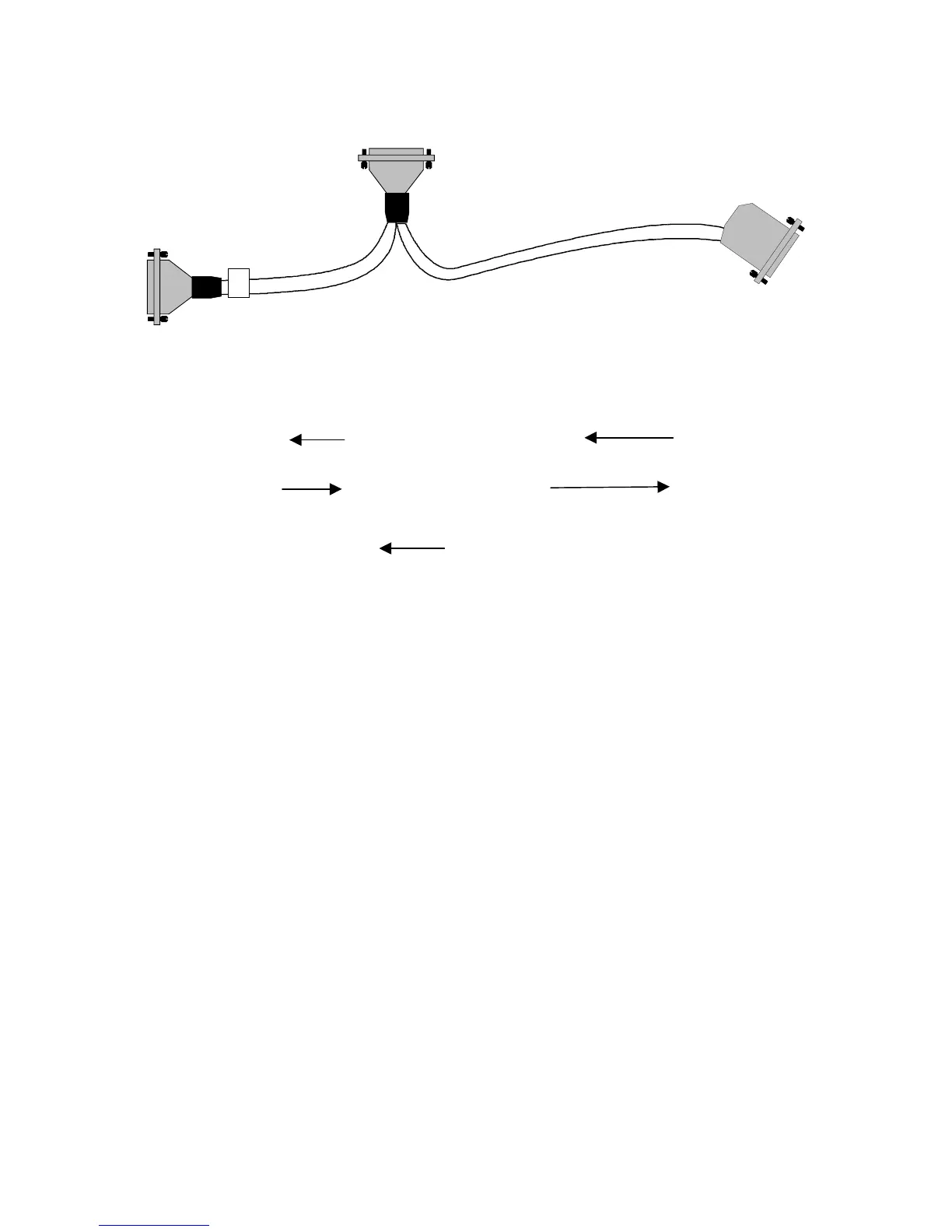
Archon to Tekmar 2000/3000 with Varian 3800, PN 03-925673-01
Pin Outs
Remote I/O
Archon Color Tekmar Color 3800
IN OUT
15
Green 24 3 Brown 17 RDY out
Desorb/
Drain 2
Brown 23 4 Orange 16 RDY out
5
Red 1 21 Black 22 GND
Start
Purge 18
White 2 22 Red 15 Start In
14
Blue 16
P&T
Ready
Signal
1
Black 15
Note:
The DIP switch UO12 settings in the LSC 2000 must be as follows; 3 OPEN and 4
CLOSED. All others closed. DIP switch UO13 all OPEN.
For a 3000 installation, the Tekmar GC Port must be specified.
1. At the Standby Screen, press the key labeled “CONF.”
2. At the Configuration Screen, press A (GC I/O Port). The GC Port Screen appears.
3. Choose Standard. Press ENTER to save the selection.
4. Turn the instrument off.
The Tekmar 3000 must be programmed to give a switch closure at purge ready. This switch
closure will initiate the Archon to begin the sample Cycle. Select method 14 to provide correct
polarity settings for the purge ready output. If another method is selected please refer to the
Tekmar manual for additional information.
Connect the cable to the Archon, to the purge and trap, and 3800.
Be certain the locking
screws secure the connector to the chassis.
Refer to your GC and Data System manuals for
correct connector locations.
Female
Male
Male




 To Next Page