10. Acquiring 3D MODEL Scan Images
Green Smart User Manual 119
10. Acquiring 3D MODEL Scan Images
10.1 3D MODEL Scan Imaging Program
Result Images
It provides 3D modeling surface data of the Plaster Cast. (STL file)
Image Acquisition Method
It acquires images with the X-ray beam scanning the Plaster Cast and reconstructs them to
3D sliced images and converts the sliced images into 3D modeling surface data.
Examination Programs
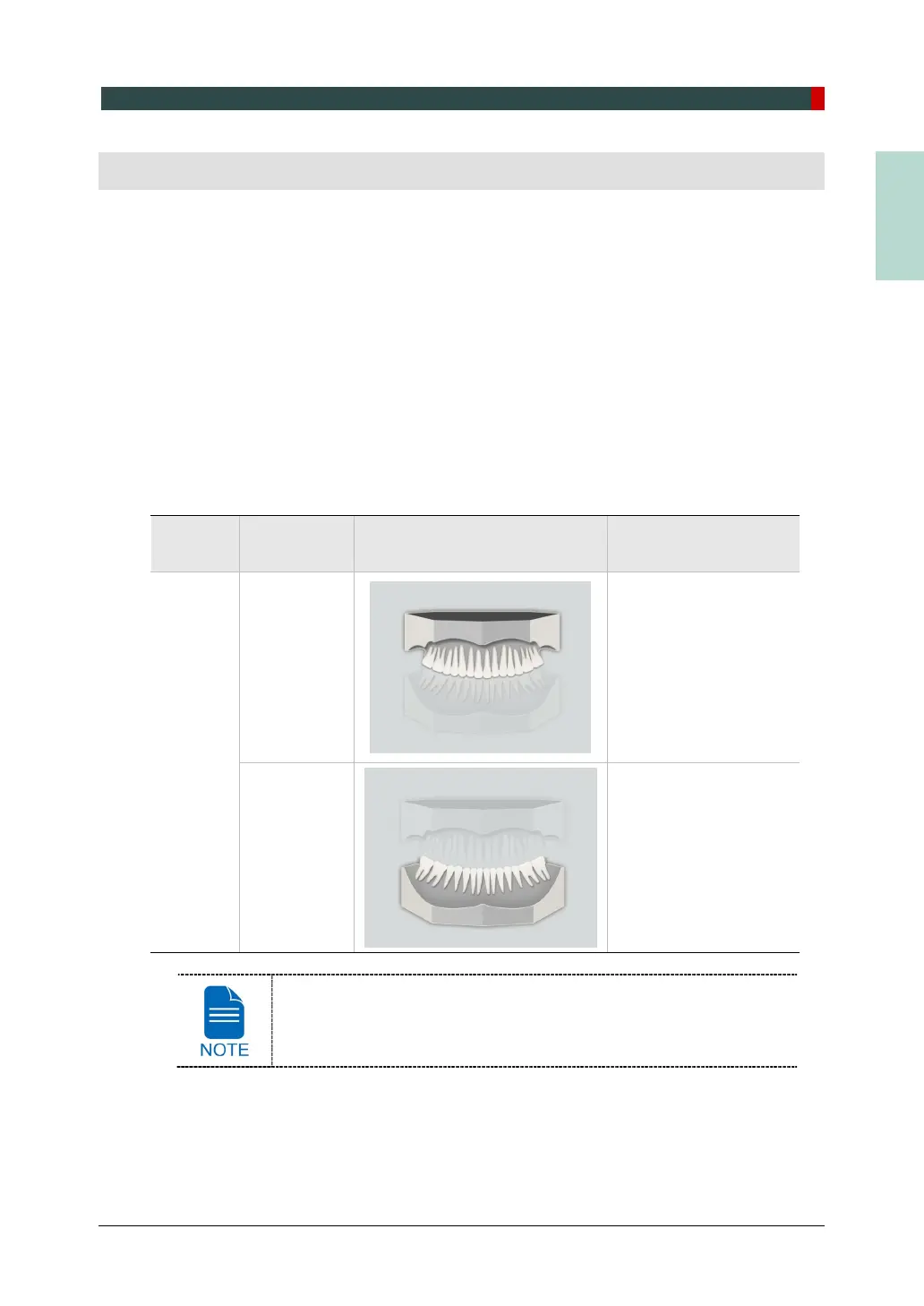
It is classified as below based on the MODEL type.
FOV
Vertical
Option
ROI Description
10x8.5
Upper
(Maxilla)
Captures a whole
maxillary Plaster Cast.
Lower
(Mandible)
Captures a whole
mandibular Plaster
Cast.
The 3D MODEL Scan modality is not available for EasyDent / Ez3D
Plus users.














 To Next Page