10. Acquiring 3D MODEL Scan Images
Green Smart User Manual 121
CEPH button exists only when the CEPH imaging program is included
in the equipment.
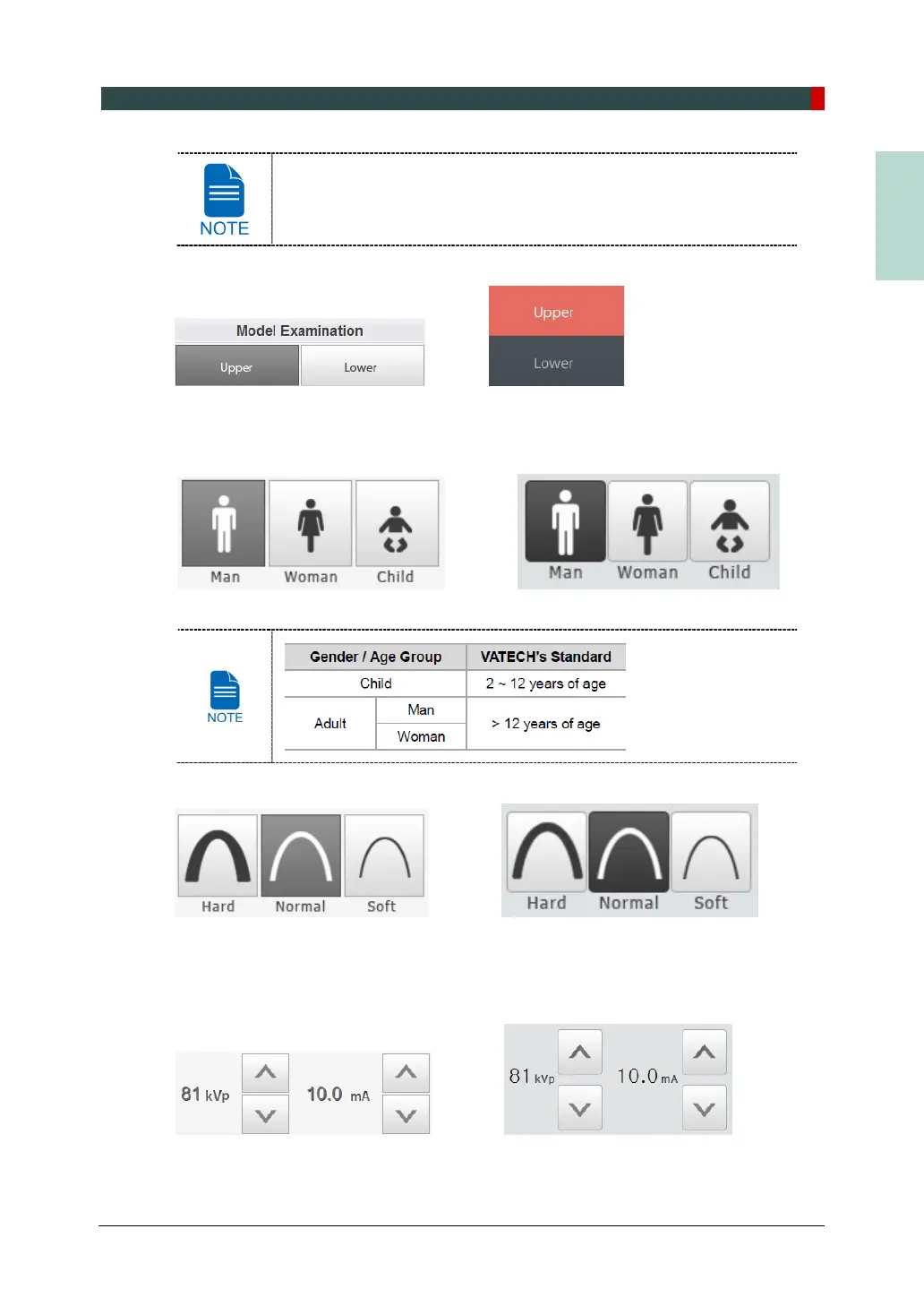
2. Select Model Examination type.
<Console Software> <Touch Screen>
3. The Gender / Age group of the patient is selected automatically based on the patient
information. If necessary, you can select the option manually.
<Console Software> <Touch Screen>
4. Select X-ray intensity.
<Console Software> <Touch Screen>
5. The values of tube voltage and current are configured automatically according to the
patient's gender/age group and X-ray intensity. Click the UP/DOWN arrow to adjust kVp
and mA. The dose is adjustable by ±1 kVp and ± 0.1 mA respectively.
<Console Software> <Touch Screen>














 To Next Page