12. Cleaning and Maintenance
Green Smart User Manual 133
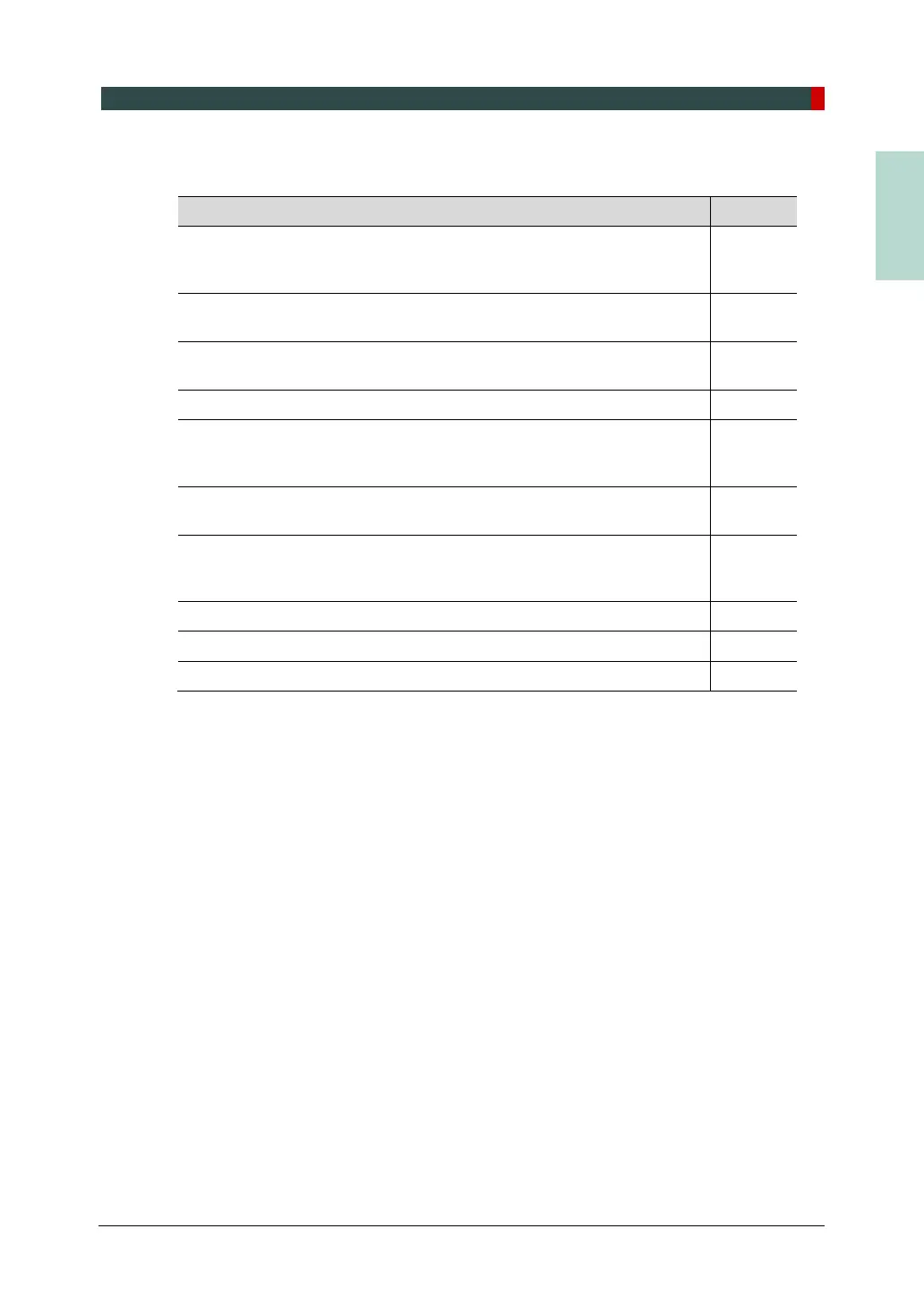
12.2.2 Maintenance Task Checklist
Tasks Period
Before the operation, ensure that the equipment is clean and ready for
use. Make sure that all parts that come in direct contact with the patient
have been cleaned thoroughly.
Daily
After using the equipment, make sure that the Main Power Switch has
been turned off.
Daily
Ensure that the equipment is firmly plugged into a dedicated power
source.
Daily
Ensure that the plug and the power cord are not heated abnormally. Daily
Confirm that the LED indicator turns yellow when the Exposure Switch
is pressed. Ensure that the LED indicator remains yellow for the entire
duration of the exposure.
Daily
Ensure that the power cable is not kinked, broken, exposed and free of
all other defects.
Daily
Confirm that activating the Emergency Stop Switch ceases the unit’s
operation. Pressing the Emergency Stop Switch should stop all
movement of the equipment and X-ray emission.
Weekly
Ensure that all visible labels are intact and legible. Weekly
Check for possible damages to the Exposure Switch cable. Monthly
Confirm that the audio message is audible throughout the exposure. Monthly














 To Next Page