7. Acquiring PANO Images
64 Green Smart User Manual
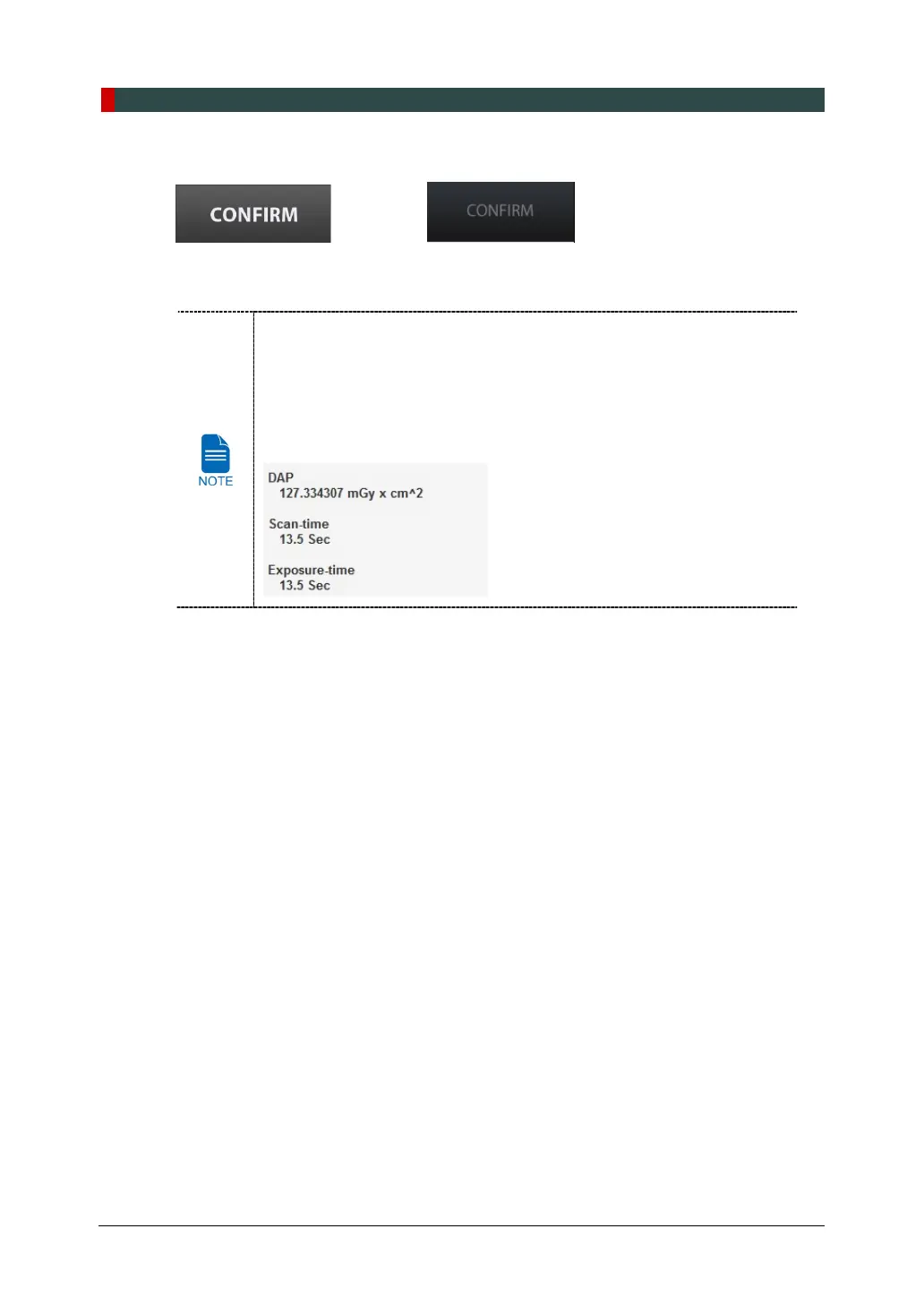
9. Click CONFIRM button when exposure parameter setting is completed.
<Console Software> <Touch Screen>
When you click CONFIRM button:
When you click CONFIRM button,
The Rotating Unit will move to its initial scanning position.
The Vertical Beam will be activated to make patient positioning easier.
The DAP (Dose Area Product), Scan Time and Exposure Time will be
displayed below the Patient Information window.
10. Guide the patient to the equipment.














 To Next Page