7. Acquiring PANO Images
68 Green Smart User Manual
3. Use the Temple Supports OPEN/CLOSE button on the control panel to widen the Temple
Supports.
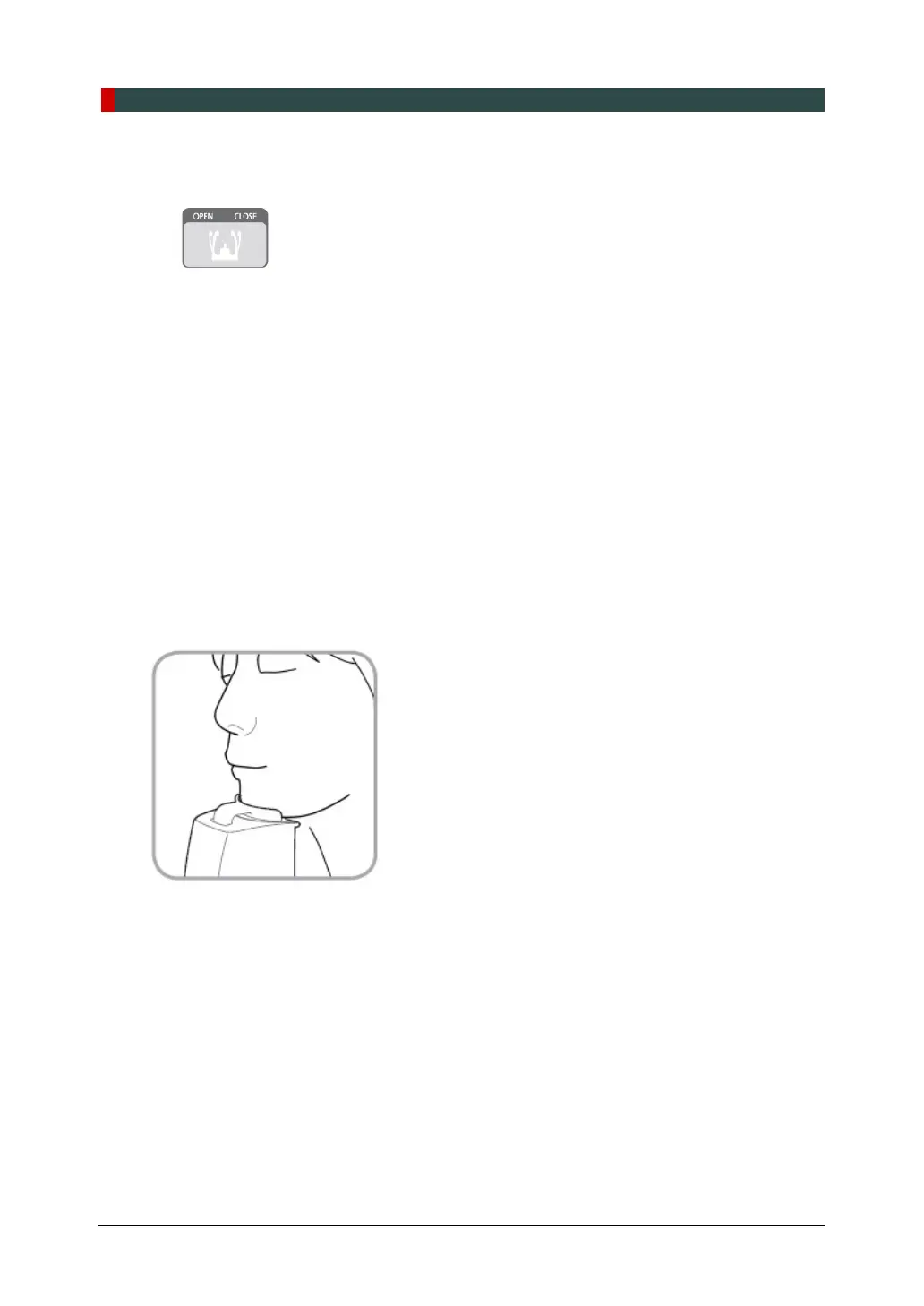
4. Guide the patient to the equipment.
5. Use the Column UP/DOWN button or switch option to adjust the height of the equipment
so that the patient's chin reaches the Chinrest.
6. Guide the patient to stand in the center of the equipment and direct them to remain in the
position outlined below.
Hold the handles tightly.
Press the chest against the equipment.
Keep both feet close to the inside of the base.
Keep both shoulders parallel.
Straighten the Cervical Spine and stand still.
7. Let the patient maintain the posture as follows:
Close the mouth.
Place the tongue on the roof of the mouth.
Close the eyes.














 To Next Page