7. Acquiring PANO Images
Green Smart User Manual 75
<TMJ Close Mode (L AT / PA)>
The TMJ Close image can be acquired after the TMJ Open image has been acquired
.
Steps for TMJ Mode
Patient positioning for TMJ Open > Laser Beam Aligning > X-ray
Exposure > Patient positioning for TMJ Close > Laser Beam Aligning > X-
ray Exposure
Patient Positioning
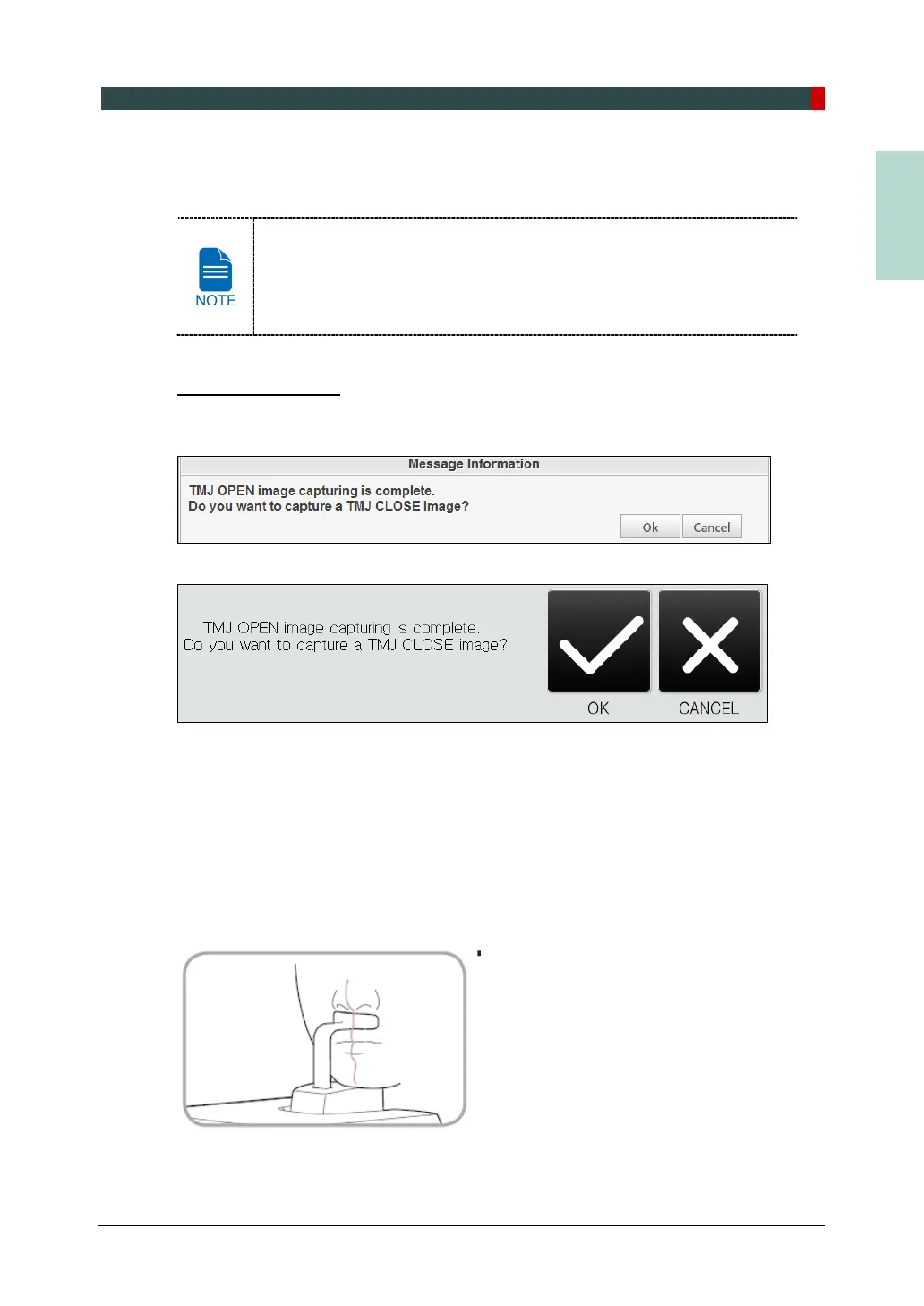
1. "Do you want to capture a TMJ Close image?" message will appear when the TMJ Open
mode is completed. Press/Click OK button to begin TMJ Close mode.
<Console Software>
<Touch Screen>
2. Guide the patient to the inside of the equipment.
3. Guide the patient to place the base of his/her nose (acanthion point) against the Chinrest
and bend the head forward about 5˚.
4. Let the patient maintain the posture as follows:
Close the mouth.
Place the tongue on the roof of the mouth.
Close the eyes.














 To Next Page