VATECH Co., Ltd.
Release
V2.0.0
PaX-500
22
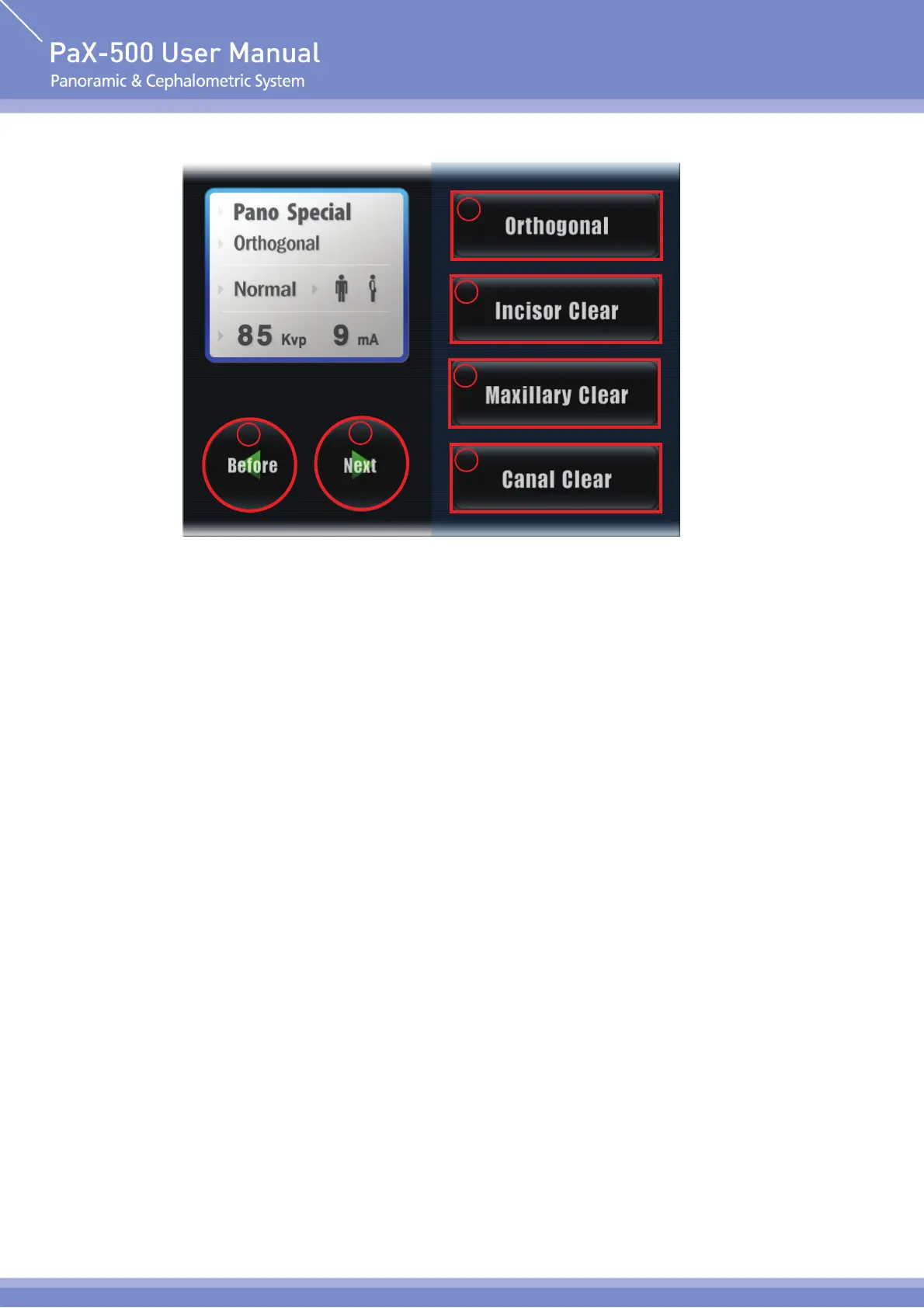
A Screen In Case of Selecting Pano Special at Mode Selection
① Orthogonal
The imaging mode of minimizing overlapping when the teeth overlap
② Incisor clear
The imaging mode of optimizing the foreteeth of the pateint
③ Maxillary clear
The imaging mode of optimizing maxillary sinus of the pateint
④ Canal clear
The imaging mode of optimizing canal of the pateint
⑤ Next
Go to the next stage. Select "Next" to go to the next stage.
⑥ Before
Go to the previous stage. Select "Before" to cancel the current setting value.
1
2
3
4
5
6












 To Next Page