User manual
33
3. How to register new patients and capture
3.1. How to register new patients
Follow the steps shown below to register new patient.
① Turn on the product and computer.
② Execute EasyDent V4 and click ‘Patient ( )’ icon to register new patient.
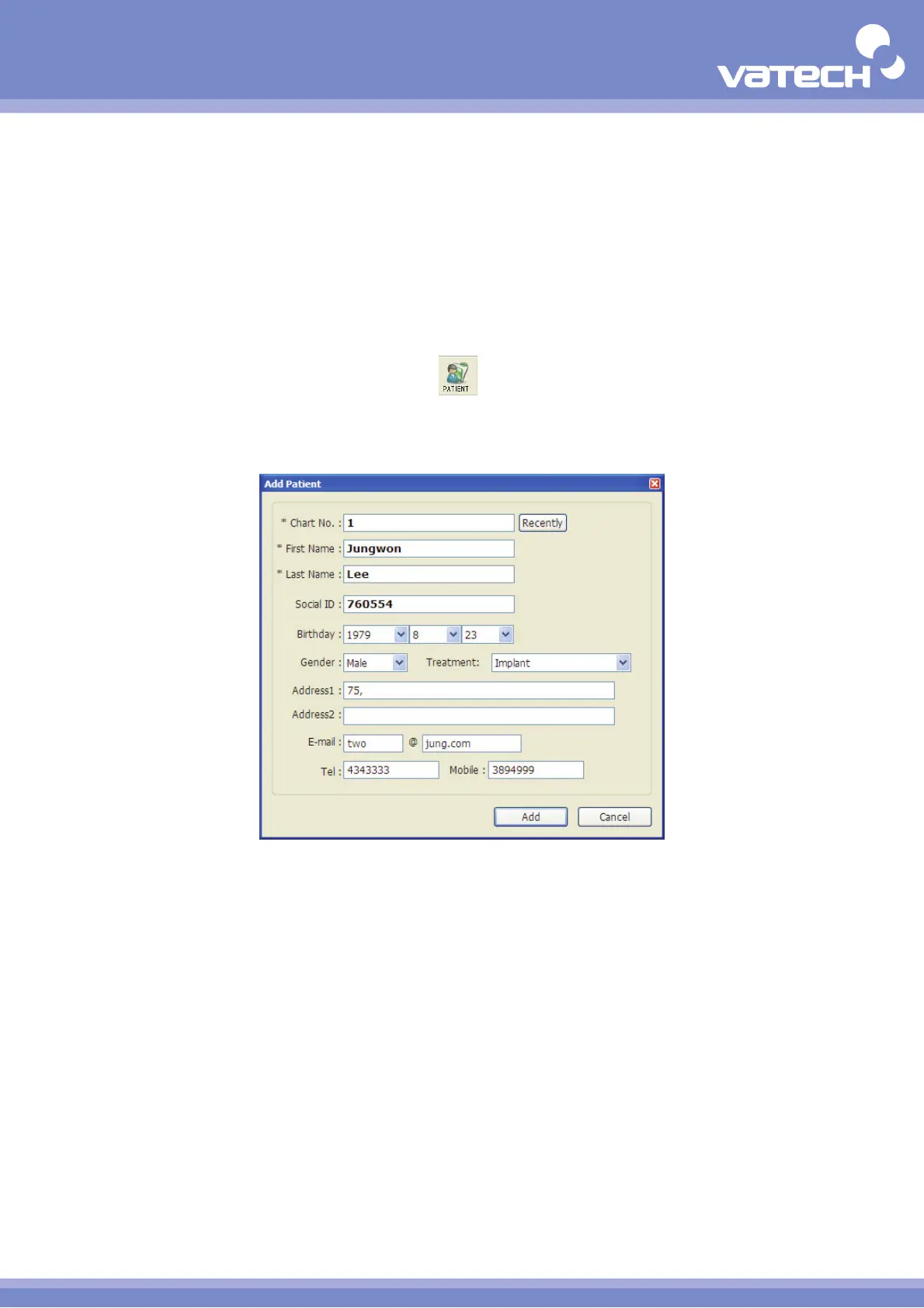
③ Enter the patient information when following dialog appears.
④ Click 'Add' to close the dialog if you are done with filling it out.












 To Next Page