VATECH Co., Ltd.
Release
V2.0.0
PaX-500
44
3.3. Cephalometric Imaging Procedure
① Turn on the equipment power switch (Switch On).
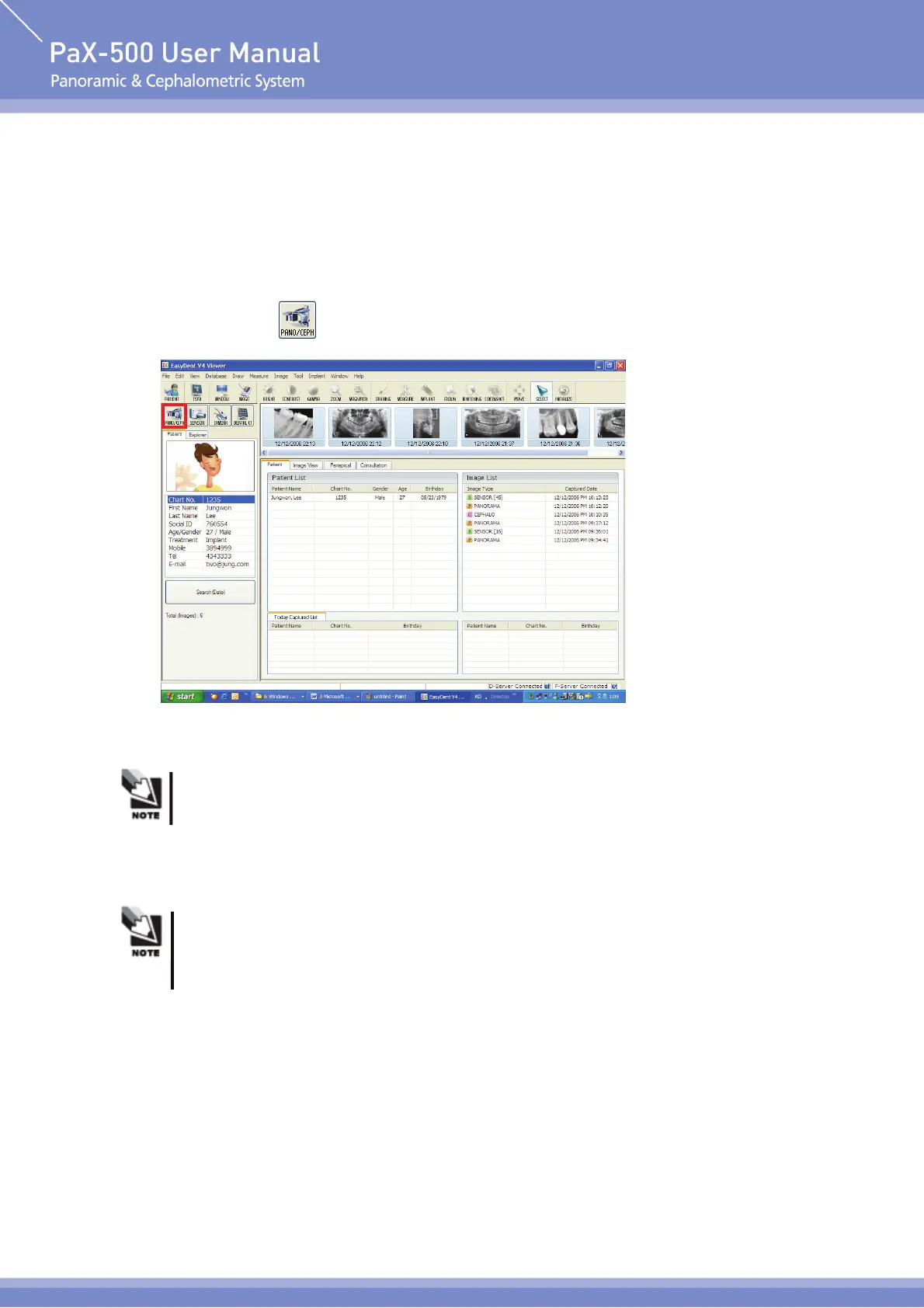
② Execute EasyDent V4 program to search for and select patient for imaging.
③ Click ‘Pano/Ceph(
)’ icon on the top left to execute imaging program.
For unregistered patient, register him / her in reference to user's manual of program
separately prepared before capturing image.
Sensor module check may experience error due to wrong installation of sensor even if
sensor module is installed on cephalometric mode. In this case, please try again after
installing the sensor module again.












 To Next Page