9. Installing Software
PaX-i Plus / Insight Installation Manual 115
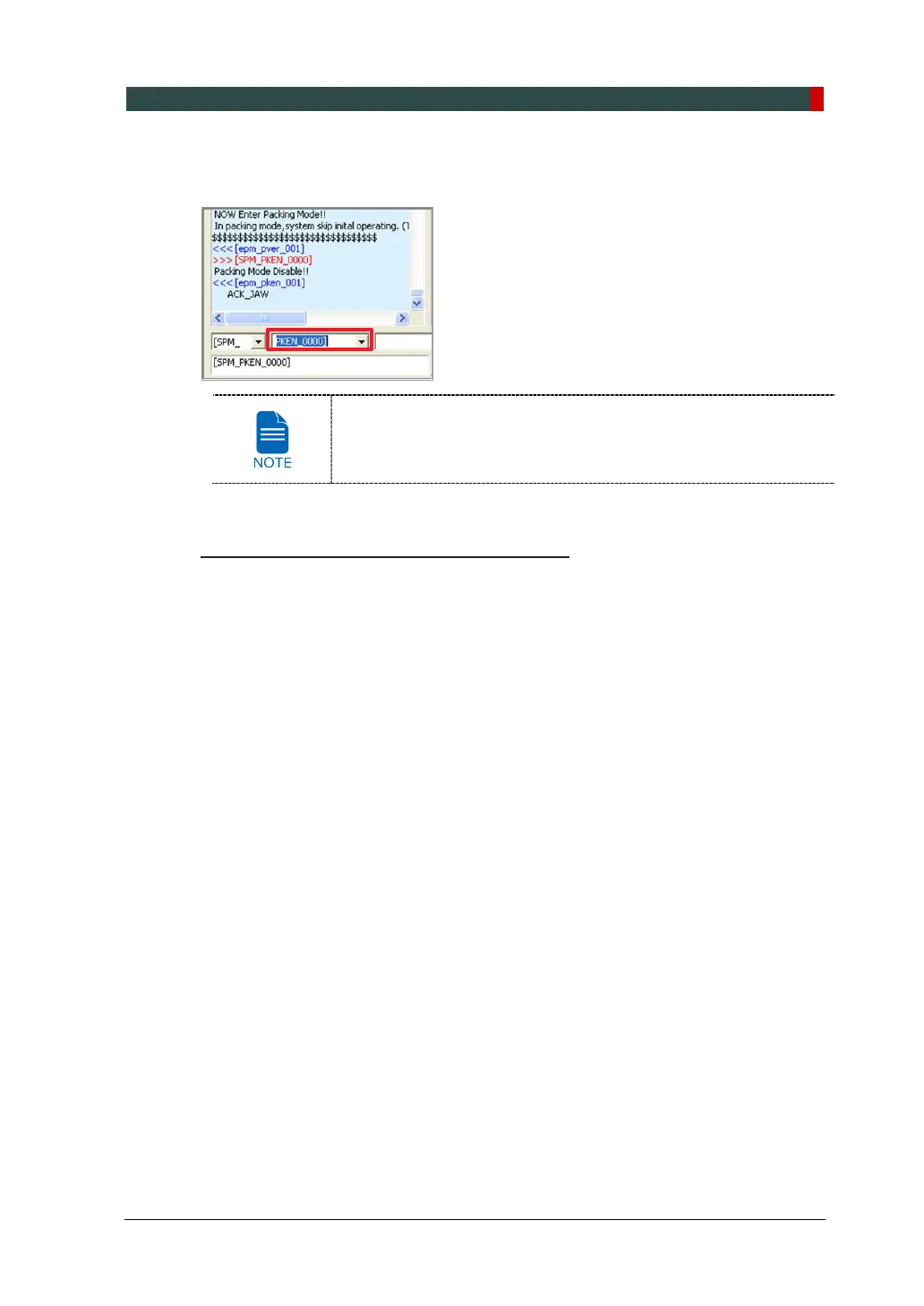
4. Enter the command PKEN_0000] to exit the packing mode. Now note that the
equipment is out of the packing mode.
Use the command: PKEN_0001] to re-enter the packing mode,
use.
5. Click Exit button and terminate the control panel.
6. Exit the imaging program (main GUI): important!
7. Restart the equipment to take the changes into effect.












 To Next Page