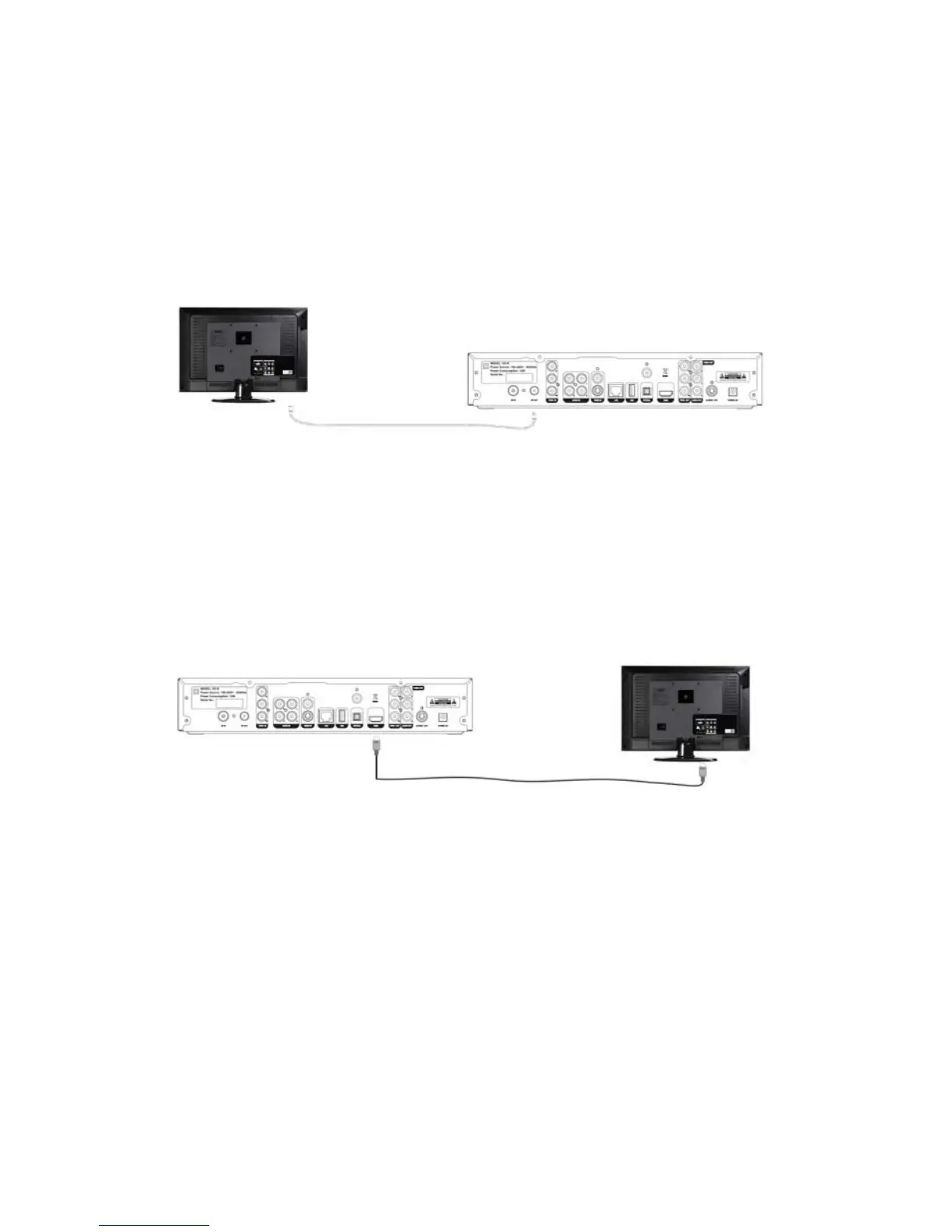
TV reception on TV or on any other devices with a TV tuner (VCR or
DVD recorder for example), connect the extension cable to the loop
out connector of VD-R and to the Antenna In on your other device.
VD-R is recommended as the first component on the chain and TV as
the last component.
3.2 HDMI Television Connection
VD-R supports HDMI Output which is the highest quality video output.
Simply connect the HDMI Output from VD-R directly to one of the TV’s
HDMI Input.
3.3 Composite Video Connection
In order to get Standard Definition video from VD-R without HDMI and
YPbPr, Composite Video must be used. Simply connect the Composite Out
from VD-R directly to one of the TV’s Composite Inputs. As Composite does
not convey audio signal, a separate connection is needed to connect the
Video/L/R Output from VD-R to the TV’s Video/L/R Input.
51 / 81


 To Next Page