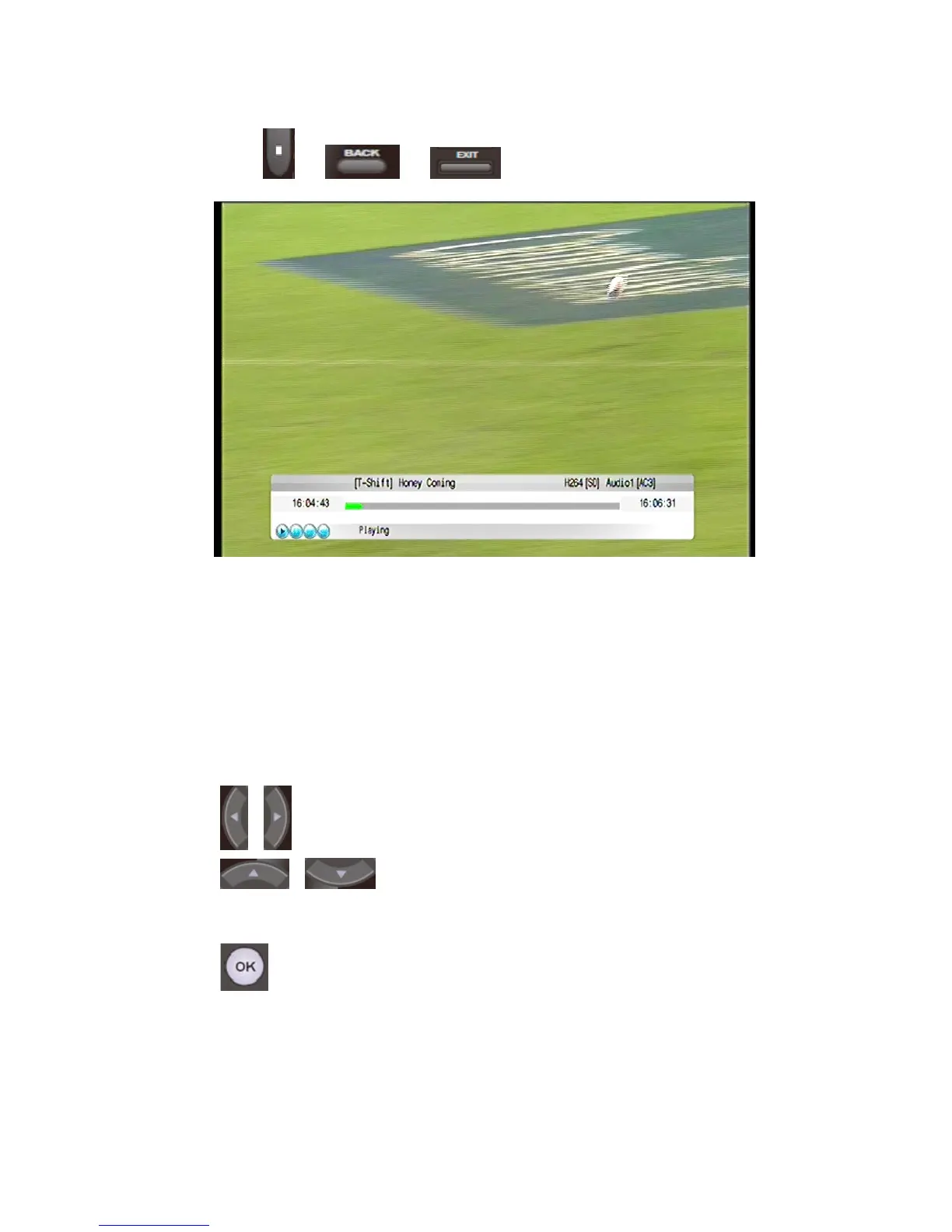
Press or or button to exit time-shift function.
6. Setting
On the Main Menu > Setting, and enter the configuration interface. Most of
the function config can be made on this interface. You can also browse the
product information including including user setting and details of VD-R.
On the Configuration interface, the Remote Control performs these functions:
Press these buttons to go to the previous page or the next page.
Press these buttons to select different the options
on the menu.
Press this button to confirm modification or selection.
6.1 User Setting
76 / 81


 To Next Page