4. Initialization and Configuration
Simple configuration is required upon VD-R’s startup to ensure smooth
operation. Configuration sequences are shown below.
4.1 Language Setting
Select the preferred language and the interface language will change
immediately according to the setting.
4.2 Channel Scanning
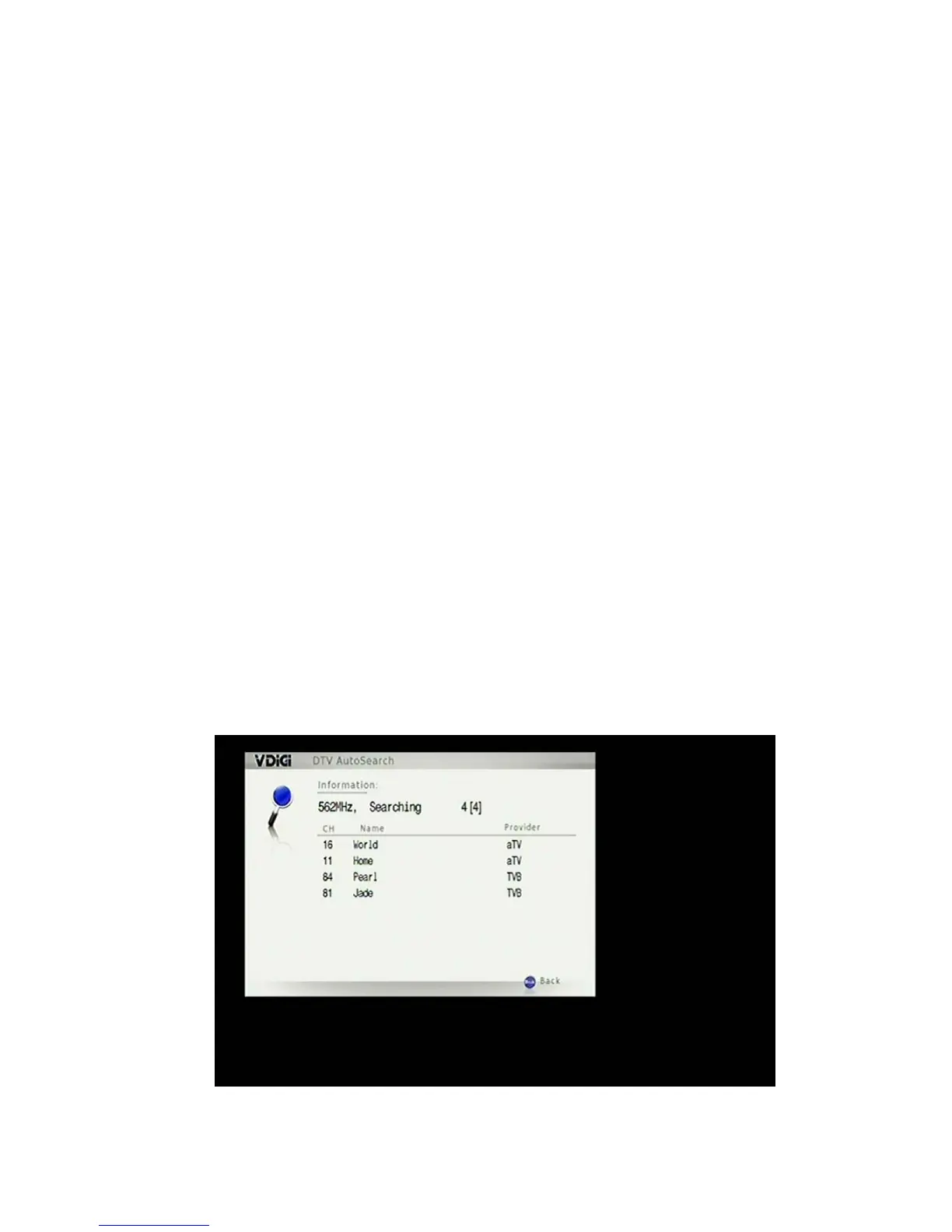
Channel scanning starts right after language setting. This can be done by
auto DTT channel scan or manual analogue channel scan.
DTT channels are scanned automatically. OFTA frequencies are searched
prior to other frequencies. The scan can be stopped at any time and any
found channels will be available to view (if all the channels are scanned, you
can choose to quit the process).
57 / 81


 To Next Page