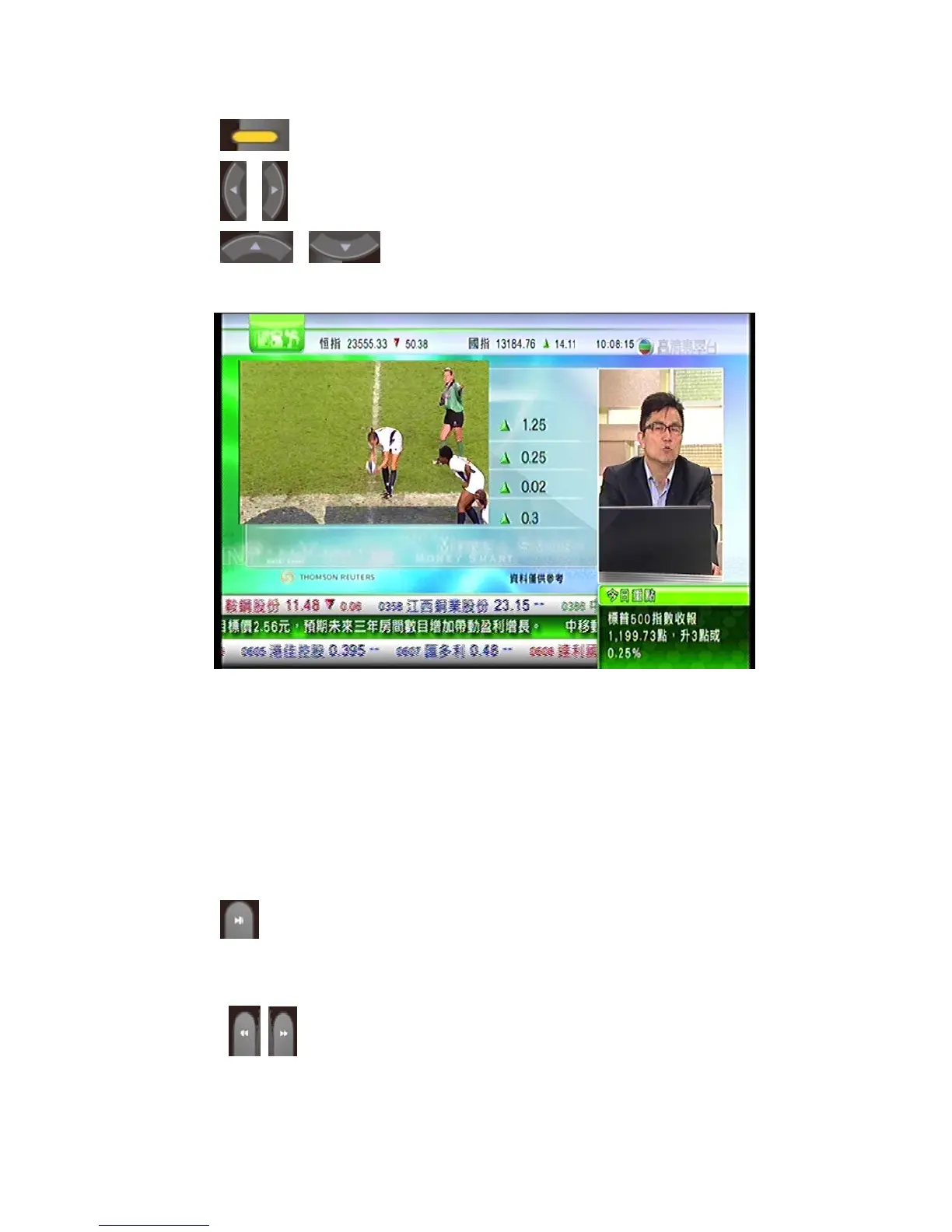
Press yellow to exchange between main screen and PIP screen.
Press left and right button to adjust the location of PIP screen.
Press up and down button to adjust the location of
PIP screen.
5.7 TIMESHIFT
When users are not able to keep watching a programme for a while, user can use
this function to pause the programme.
The buttons to use this function are as below:
When watching live TV, press pause/play button to active time-shift
function. Press pause/play button again to play back TV.
Press these buttons to control fast forward or fast back.
75 / 81



 To Next Page