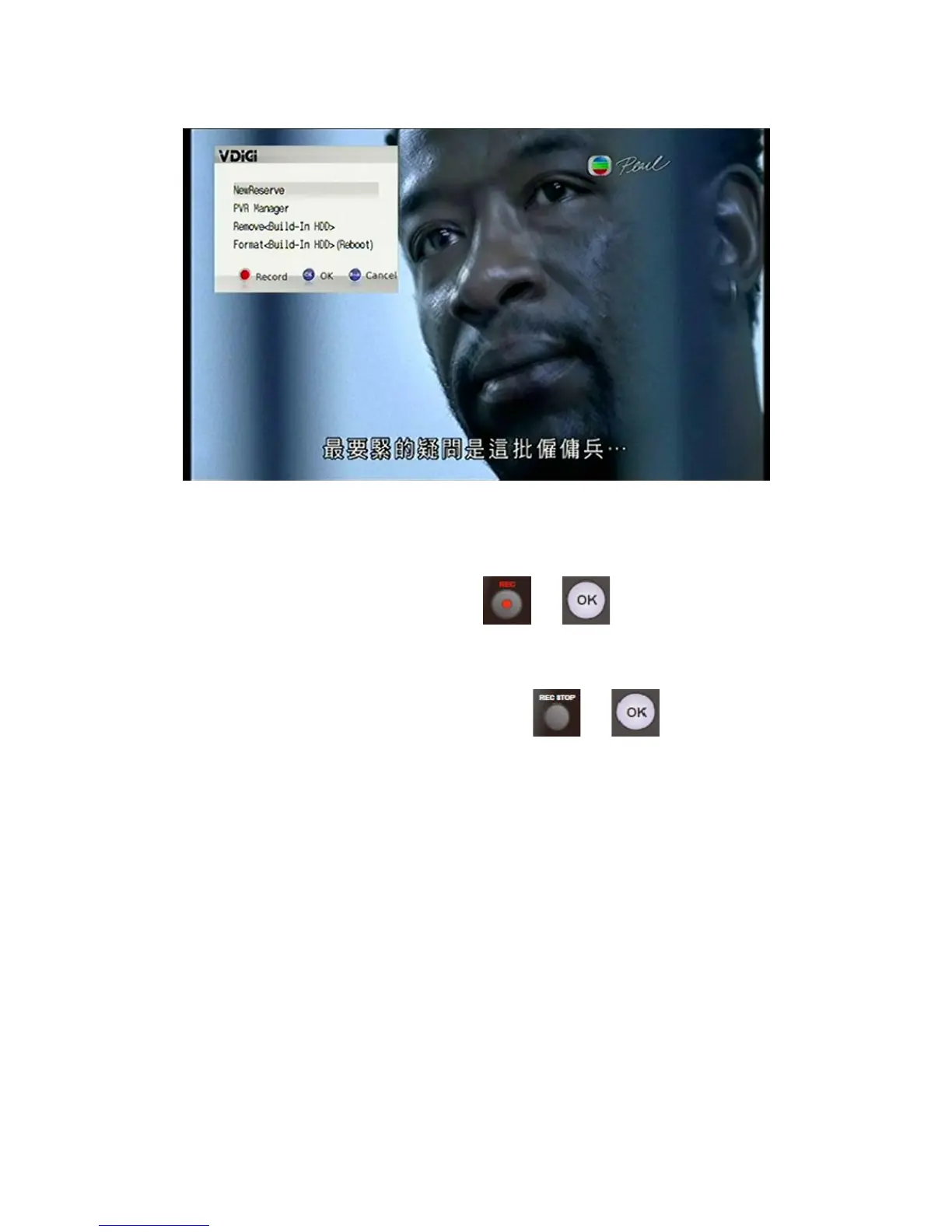
5.2.2 Scheduling Recording on the EPG Menu
To record a future programme, the easiest way is to select the preferred
programme on the EPG Menu and press
or . A Recording Sign will
be displayed next to the selected programme.
To cancel a Scheduled Recording, simply press
or .
62 / 81


 To Next Page