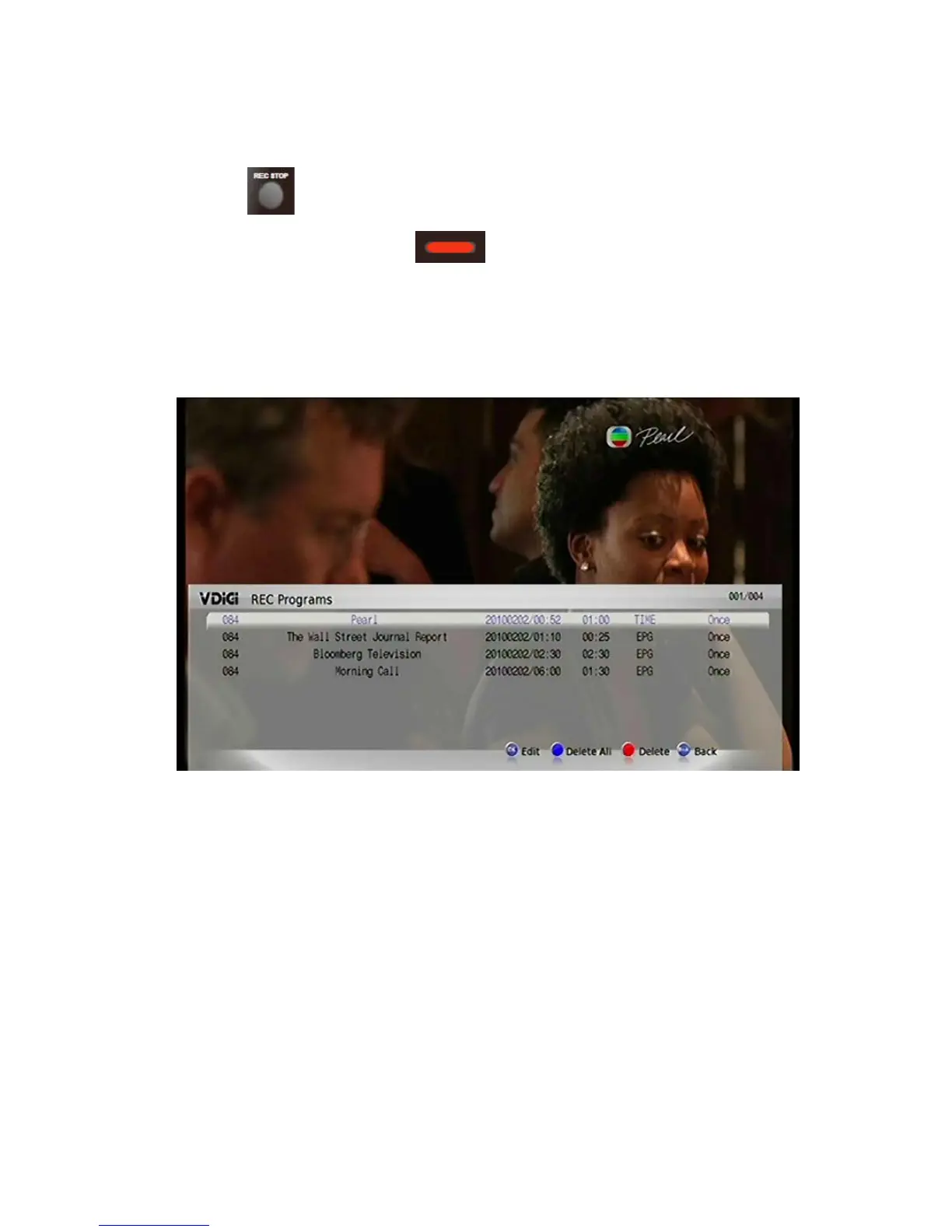
Note:
1) Press
to cancel recording while recording .
2) On the “Info” interface, press
(Red button) for Recording details.
5.2.4 Editing Recording Settings
Main Menu> REC Management> Amend Pre-REC Prog
The settings of the Scheduled Recordings can be modified.
Selected Scheduled Recordings can be modified. These modifications include
input source, channel, start time, length of recording, extend start time, delay end
time, image quality, video format, length of time for keeping recordings, storage
options and recording mode. Selected Scheduled Recording can be cancelled.
You can either go back to the previous page or to the TV Live View interface upon
confirmation of modifications.
64 / 81


 To Next Page