Press “BACK” upon the confirmation of modifications.
5.2.5 Other Reminders for Recording
Checking the Recording Devices
5 Minutes before Instant and Scheduled Recording, VD-R will automatically check
the settings of recording device. If there is an absence of recording device, a
message will appear asking you to insert the necessary device or cancel the
Recording.
Remove HDD
To prevent any damages to VD-R or the HDD itself, unload the HDD before
removing the internal or external HDD.
Format HDD
HDD formatting is required upon the first use.
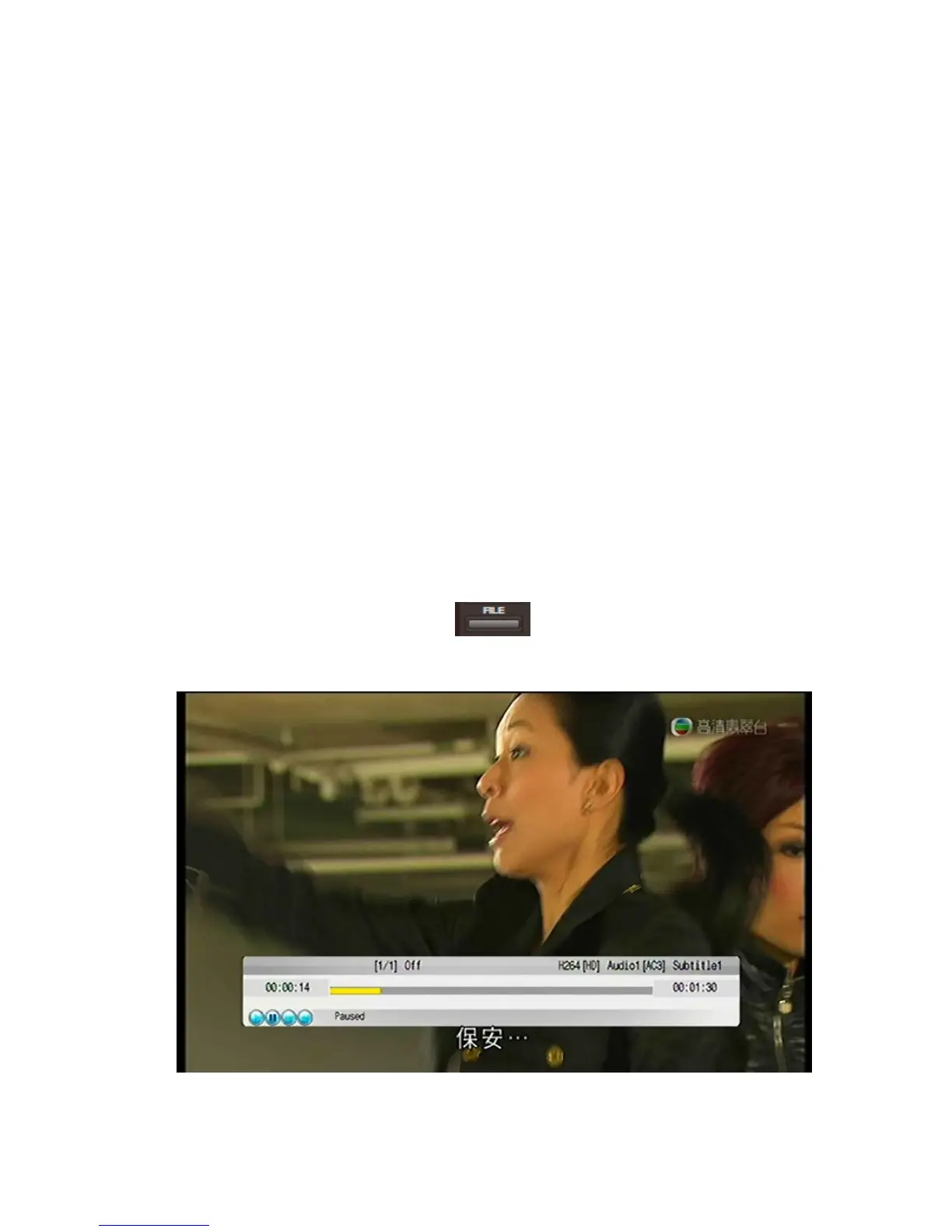
5.2.6 Play Program
Main Menu > Play Program. or press
Enter the Recording Playback
interface and select a recorded programme you wish to play.
66 / 81


 To Next Page