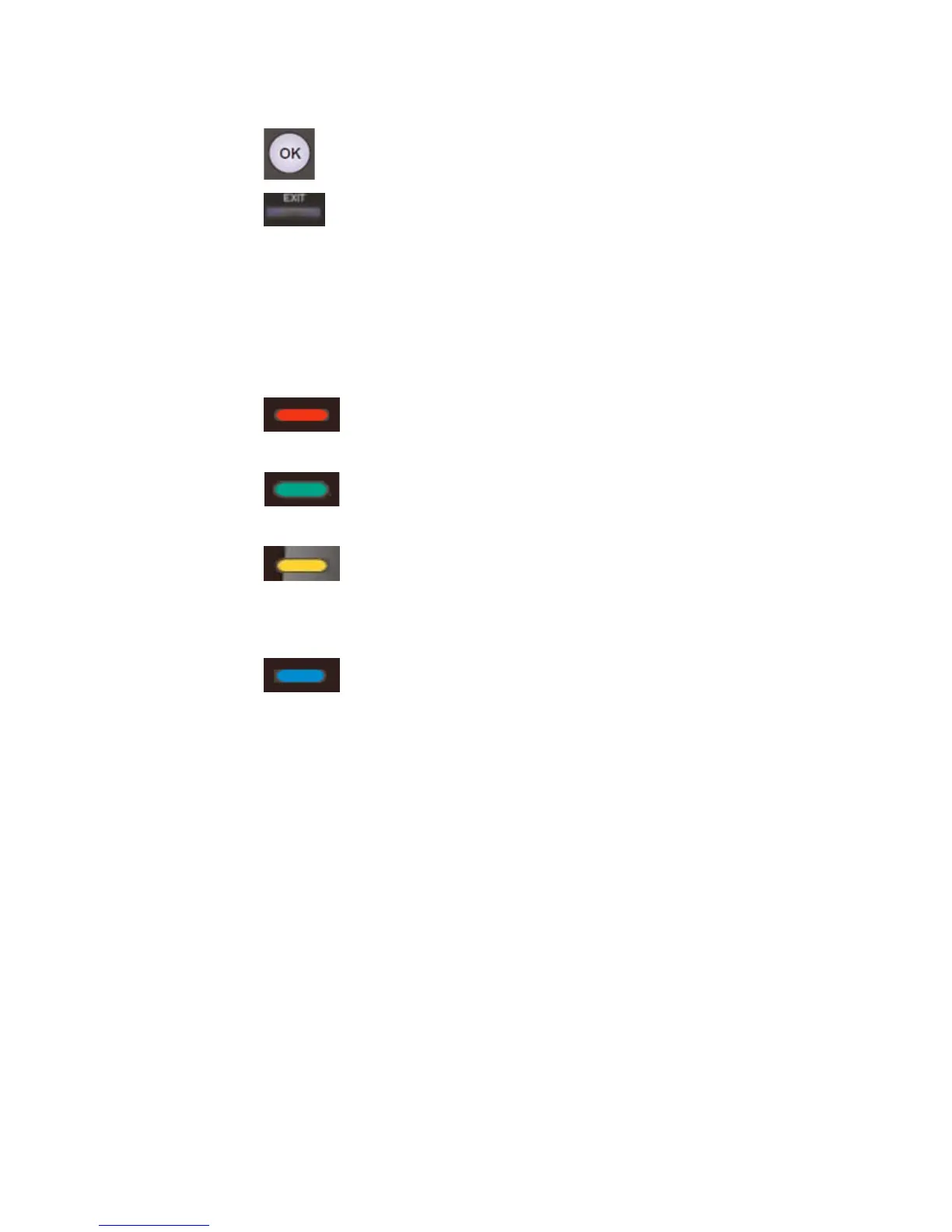
Press to Start the Scanning
Quit the Scan Interface, Jump to Live TV.
5.3.4 Channel List
Select the Channel List Setup and enter the Channel List Interface. Manage
the channels with reference to the following tips:
Main Functions on Channel List Interface
(RED) Display all scanned channels.
(GREEN) Display favorite channels in the table
(YELLOW) Press this button to mark the channel
favorite. A”Y” mark will be displayed nex
as
t to the selected channel.
(BLUE) Channel Editing
Press the button
“List” on the Channel List Interface to view the channel
information. Pres
fer
When users select to import programmes, the menu will show all the
recorded programmes of the external hard disk. Then users can select to copy or
move the programmes to internal hard disk. Users can select up to 20
s “List” again to quit the Interface.
5.4 Programmes trans
Press MENU and select Progs-Transfer. This function allows users to copy
or move the files between internal hard disk and external hard disk.
5.4.1 Import programmes
69 / 81


 To Next Page