33
User Manual
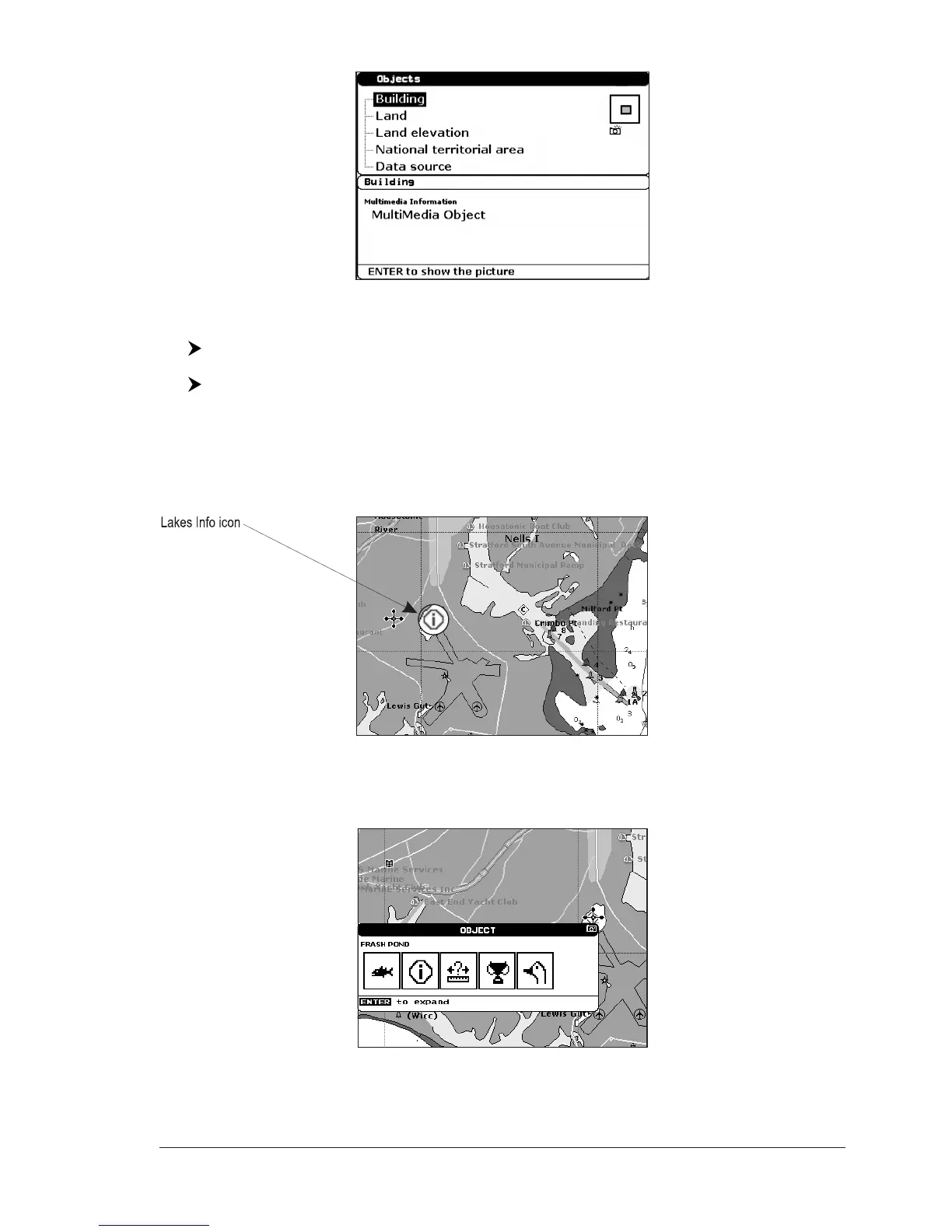
Fig. 3.5a - Example of Full Info on objects with picture
To see pictures:
Press [MENU] when the object with a picture is highlighted
To change size:
Press [ENTER] when the picture is shown.
Quick Info on Lakes
Upon viewing the chart of a lake, you will click on to query the available information
immediately displayed with many details.
For example, see the following picture:
Fig. 3.5b - Example of Lakes info
When the cursor is placed over the icon, the icons of the available services are
shown:
Fig. 3.5c - Quick Info: available services
If you press [ENTER] all available information about the cartographic point under



 To Next Page