34
User Manual
the cursor will be shown. See the next paragraph.
Full Info on Lakes
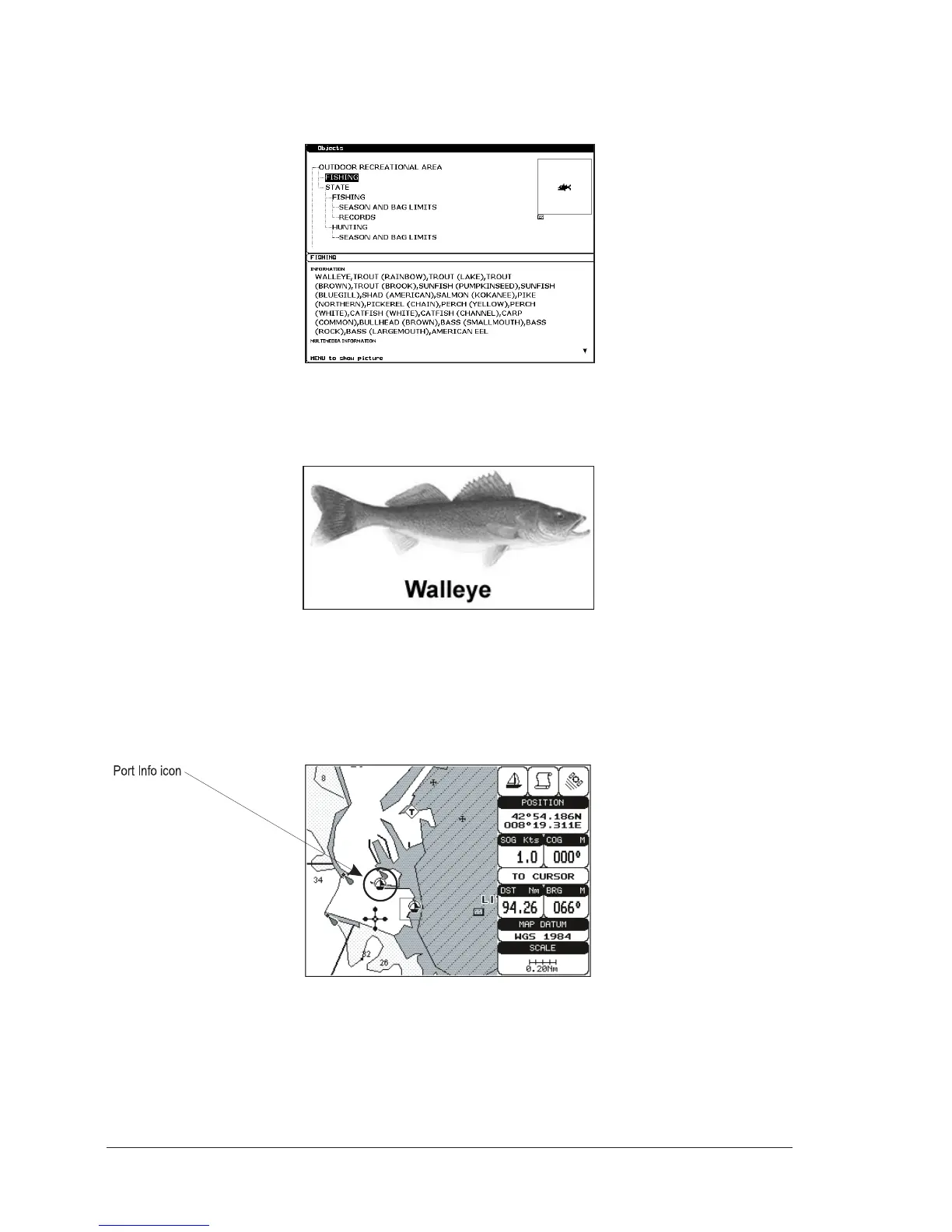
The following is an example of Full Info on Lakes:
Fig. 3.5d - Example of Full Info page
To see the "Fishing" object press [MENU] (when the "Fishing" object is high-
lighted). On the screen appears:
Fig. 3.5e - Example of picture associated to the Fishing object
3.6 PORT & TIDE INFO
Getting Port Info
Fig.3.6 - Port Info icon
The object Port Marina contains the information about the services available on
the selected Port Marina and the area around it. To get info on Port Marinas, move
the cursor on the Port Info icon. The available information is shown in the Automatic
Info window where icons of the available services are shown:



 To Next Page