Normal and expert modes
With its radio, CD and CD changer modes, the unit offers two possible methods for
selecting the functions. You can choose between the “Expert” and the “Common“
modes.
The “Expert“ mode reduces the number of operator steps when selecting search
functions. Instead of four buttons you need only use two to activate a function.
Choosing the user mode
☞
Press the SOUND button.
☞
Select option “Initialisation“.
☞
Select “User:“ from the “Initialisation“ menu.
☞
Select either “COMMON” or “EXPERT”.
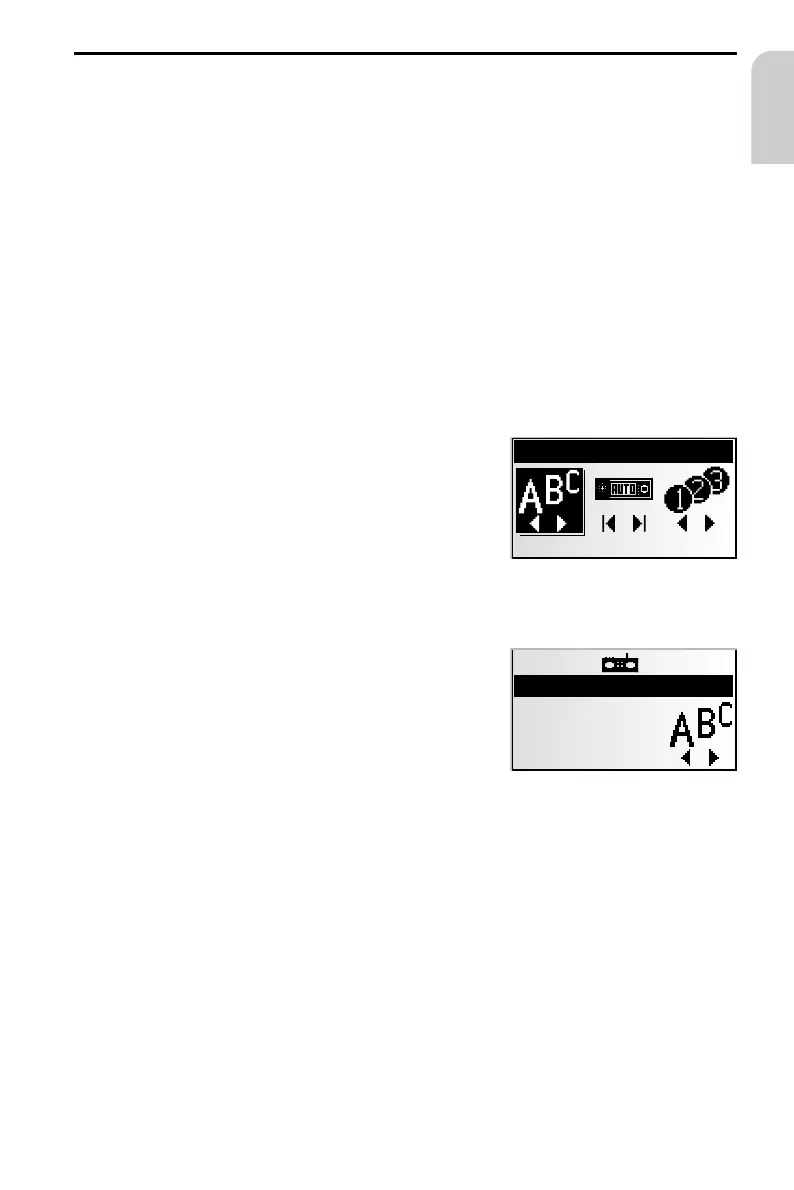
We will use the search function in radio mode to illustrate the difference between the
common and the expert mode:
Activating functions in common mode:
1. Press the PUSH – TURN button, in order to call up the
“SELECT MODE” menu.
2. Turn the PUSH – TURN button, in order to select the
search mode.
3. Press the PUSH – TURN button, in order to confirm
the selection.
4. Turn the PUSH – TURN button, in order to start the
selected search.
Activating functions in expert mode:
1. Press the PUSH – TURN button once or several times in order to select the search
mode.
2. Turn the PUSH – TURN button, in order to start the selected search.
27
OPERATION
English
SELECT MODE
Recall RDS Program
RADIOFM
13:29
105.9
Radio 1



 To Next Page