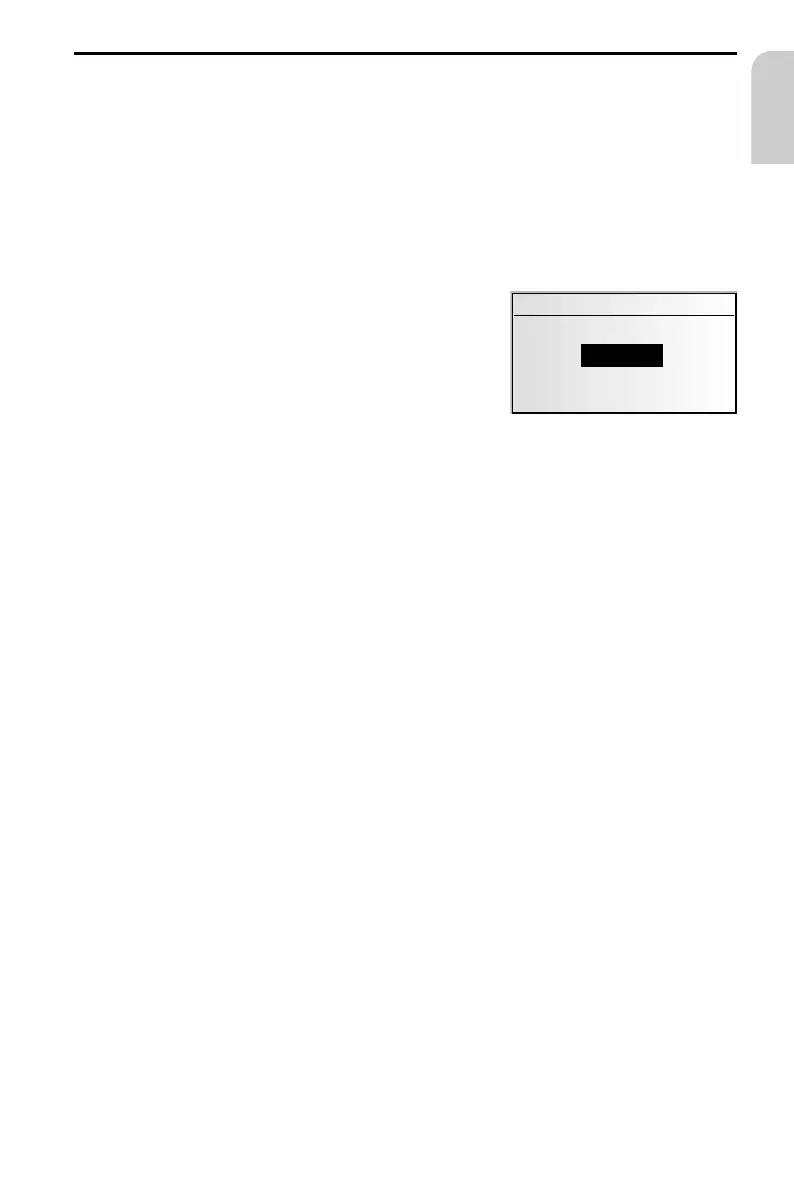
Alternative route
During guidance, you can cause the navigation system to plan an alternative route.
Use this function if you want to avoid e.g. traffic jams or if you wish to plan an
alternative route.
The alternative route will be calculated for a selectable distance from the current car
position.
To plan an alternate route, the following conditions must be met:
–
a route must have been planned, and
–
the system must be in destination guidance screen mode.
☞
Move the cursor to the ª symbol and confirm by
pressing the PUSH – TURN button.
☞
If you agree with the displayed distance, confirm
with “OK“.
:
The display shows the guidance screen again.
The system is planning an alternative route for the
entered distance.
Cancel procedure
☞
Move the cursor to “Return” and confirm by pressing the PUSH – TURN button.
Change distance
If you desire a distance different from the one displayed, proceed as follows:
☞
Position the cursor on the displayed distance.
☞
Press the PUSH – TURN button.
☞
Change the displayed distance in the range 1 ... 10 km by turning the PUSH – TURN
button.
☞
Press the PUSH – TURN button again.
☞
Confirm with “OK“.
:
The display shows the guidance screen again.
The system is planning an alternative route for the entered distance.
NAVIGATION
57
English
Alternative route
10 km
OK Return



 To Next Page