CD player
You can play 12 cm audio CDs on your CD player.
A
We strongly recommend playing only 12 cm CDs. Please do not use 8 cm CDs (neither
with nor without adapter).
A
On no account must unusually-shaped CDs be inserted into the player. If you ignore
these recommendations, you risk damaging your unit.
CD playback
If the unit is not yet in CD mode:
☞
Press the CD button.
:
Playback of the inserted CD will be continued at
the spot last played.
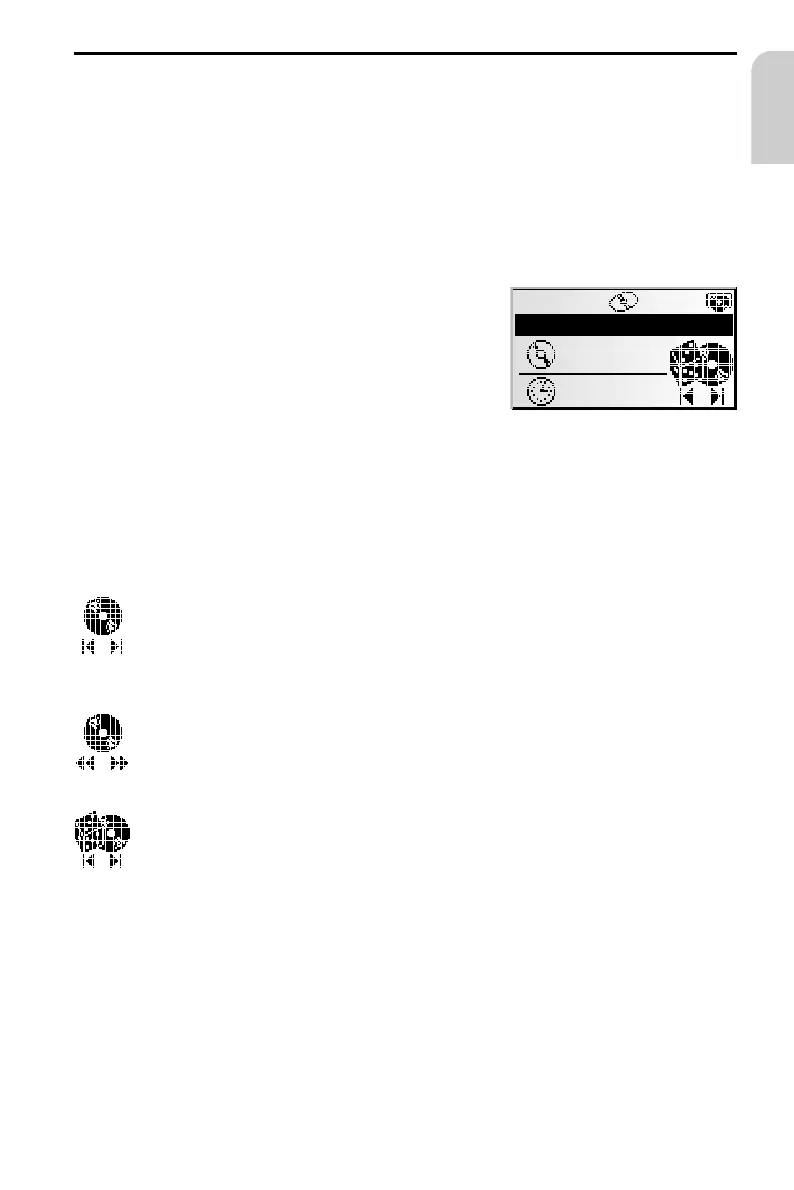
Selecting a function
Select one of the following CD player functions
(Example: user mode “Expert”):
1. Press the PUSH – TURN button once or several times in order to select the desired
function.
2. Turn the PUSH – TURN button, in order to execute the selected function.
Selecting a specific title (previous/next)
If the PUSH – TURN button is turned one detent position anti-clockwise
after the first 10 seconds of a track, the CD player jumps to the beginning
of the current track.
Fast forward/backward search
Press the PUSH – TURN button in order to stop the fast search. When this
function is executed, you will hear the CD at increased speed.
Random play of tracks
The tracks on the inserted CD will be played in random order.
35
CD PLAYER
English
CD PLAYER Rnd.
TA
10:44
T12
00:38



 To Next Page