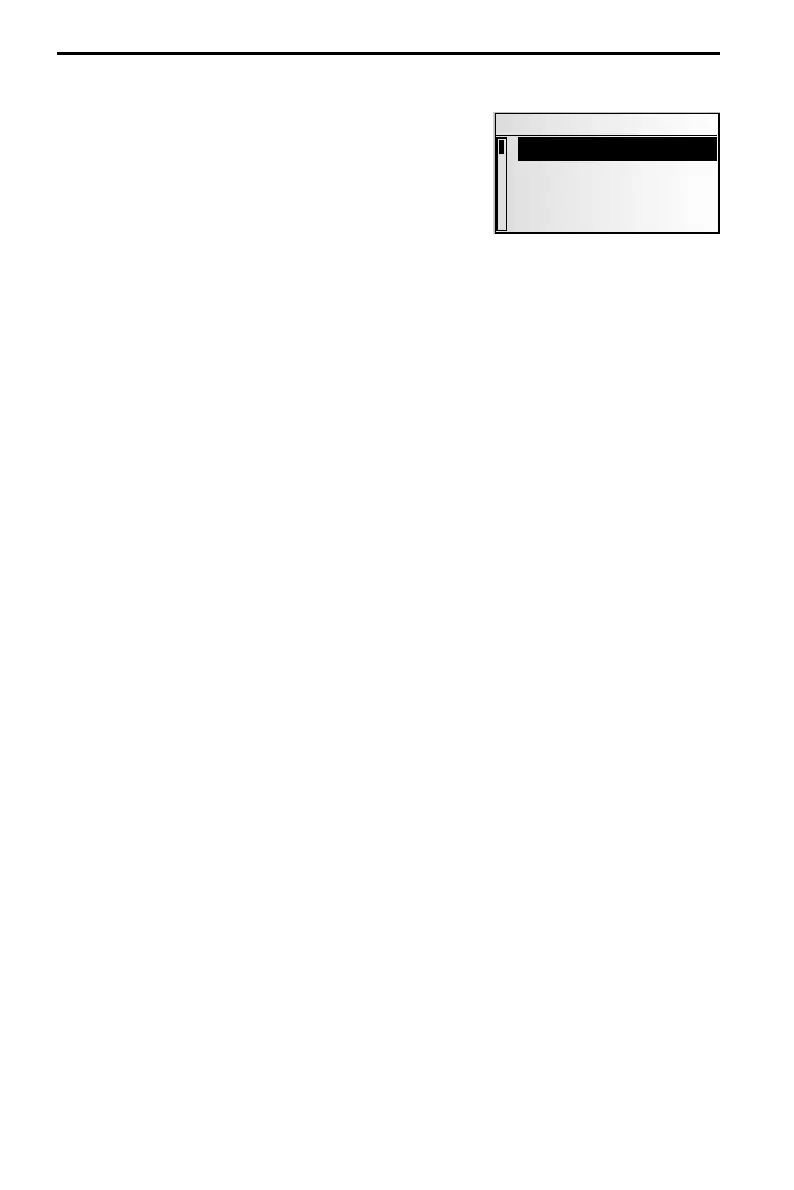
The “CD” menu
In CD player mode:
☞
Press the CD button.
:
The “CD“ menu is displayed.
The following functions are available:
Scan
☞
Activate this function to briefly scan all tracks on the inserted CD.
☞
Press the PUSH – TURN button in order to cancel the scanning process and to listen
to the track of your choice.
Repeat Track
☞
Activate this function to repeat the current track.
☞
Select “Repeat Track“ again to deactivate the function.
CD Title
☞
Assign a name with up to 13 characters to the CD currently playing. The CD will be
recognised automatically upon insertion, and the CD player will display the CD name.
Up to 50 CD names can be stored automatically in the name memory. Once memory
is full, you will have to first select a name to be deleted before you can enter a new
name.
Extra info
Displaying information on the current CD:
–
CD name (if available),
–
total number of tracks,
–
total duration and
–
the selected sound type for CD mode.
CD Setup
☞
Set one of the following functions.
–
Compression: If activated, this function will reduce the volume for loud sections and
increase it for quieter sections.
–
Comp Rate: Select the degree of loudness decrease/increase when compression is
switched on.
Initialisation
See “INITIALISATION“ ➽ Page 39.
CD PLAYER
36
CD
Scan
Repeat Track
CD Title
Extra Info



 To Next Page