(4)
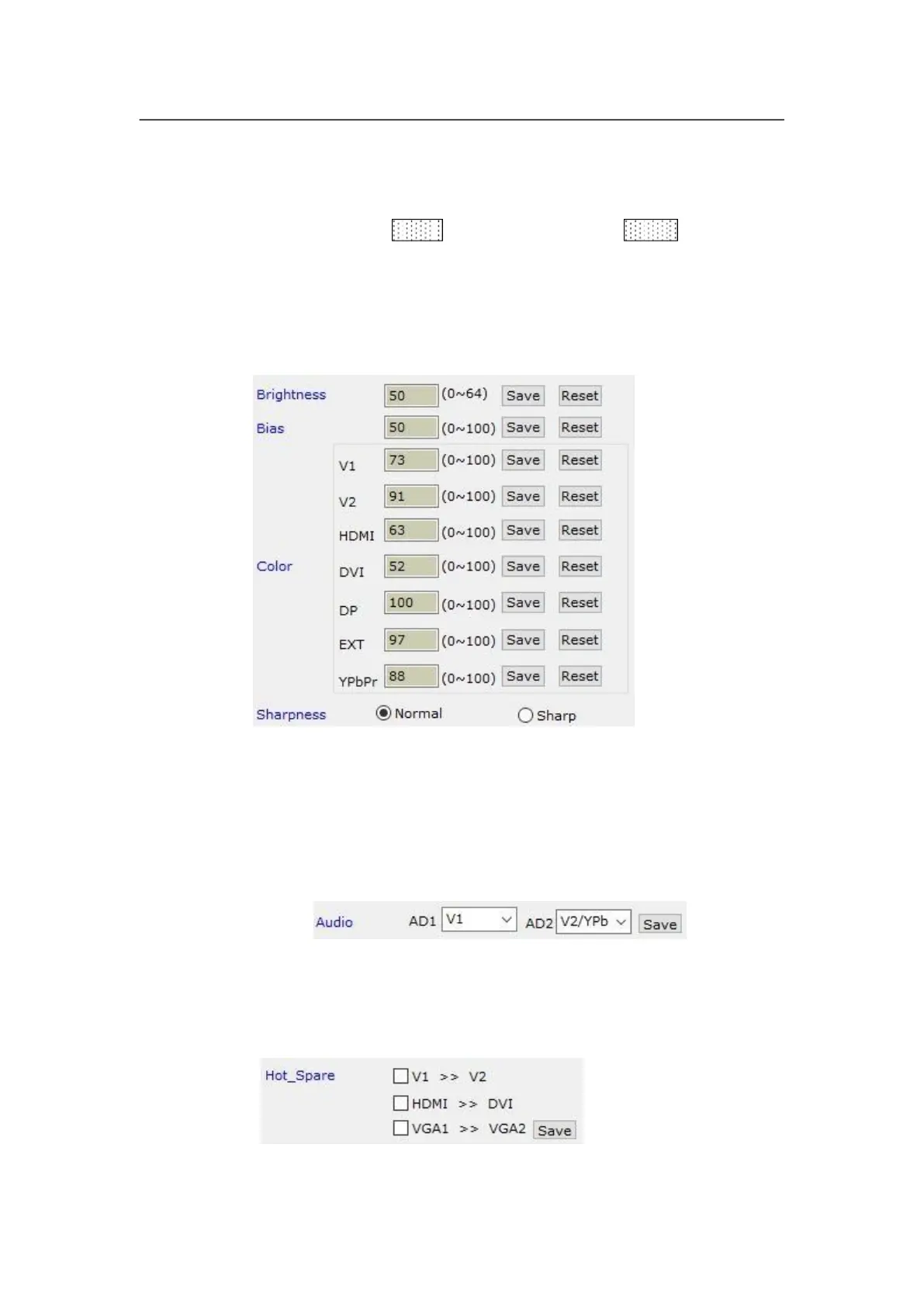
Brightness, color, bias, sharpness setup
These options is used to set brightness, color, bias and sharpness of output image, after
typing in desired parameter click
parameters being default value. Directly click “Normal” or “Sharp”, the parameters will be
saved.
Notes: the default values of brightness, color, bias are all 50.
Configuring audio
This option is used to set AD1, AD2 audio port as the corresponding video input port, so
as to realize synchronous switching of audio/video signals.
Hot spare setup
This option is used to turn on/off the hot spare function of the following four groups of input
signals.



 To Next Page