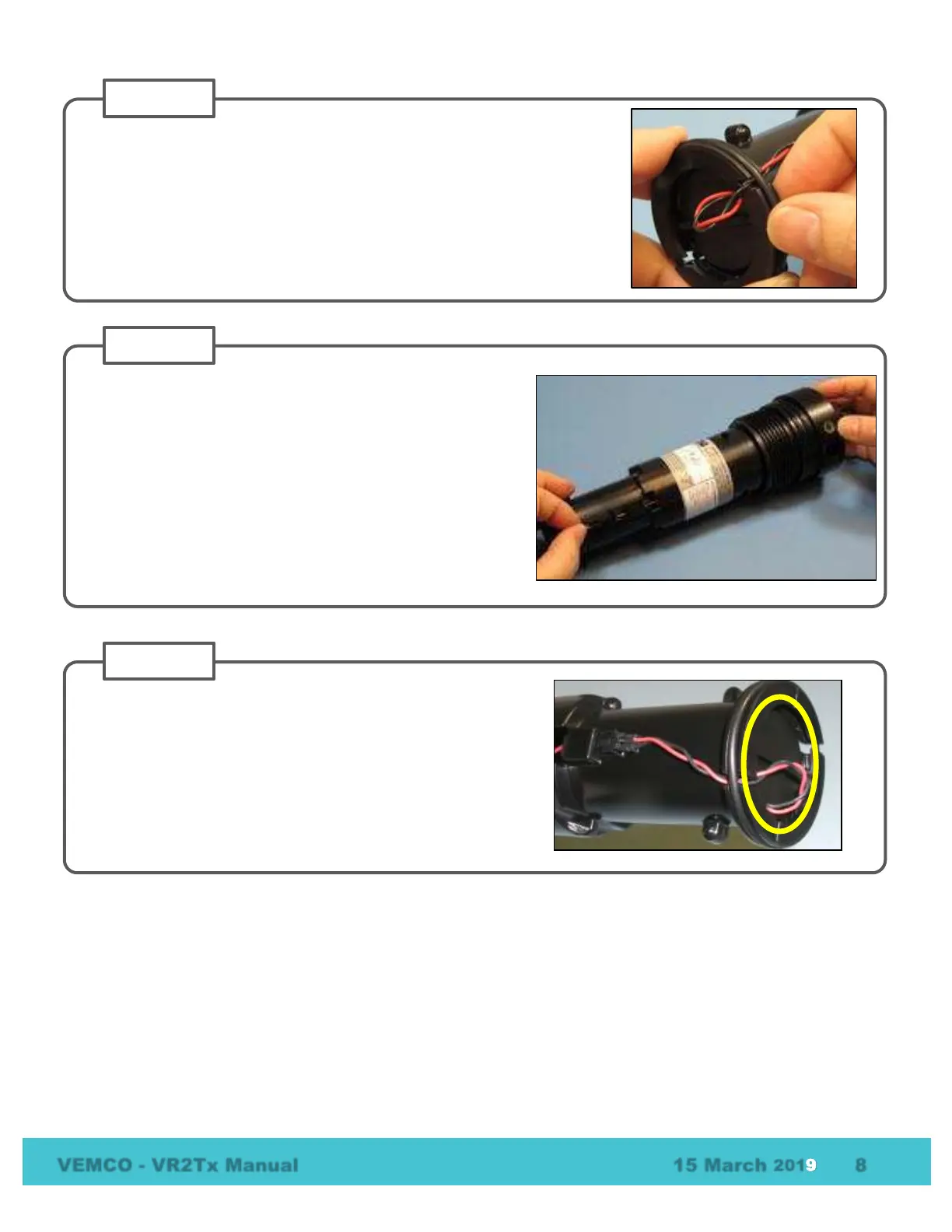
Gather any excess battery wire into the area at the end of
the battery cavity (circled in yellow) and not along the side
of the receiver casing. This reduces the chance of damage
to the battery wires.
Place the O-ring in the O-ring groove around the end of the case so the
battery wires are inside the O-ring. This also holds the battery pin in
place.
Position the receiver so you can see the LED light.
Connect the two battery connector halves together until a
“click” is heard and the VR2Tx receiver’s light begins
flashing.
NOTE: If the VR2Tx was in Recording mode (i.e. as Study
had been initialized) when the battery was disconnected,
then it will immediately return to recording detections after
the battery has been replaced. Settings are not lost when
the power is disconnected.



 To Next Page