5.1.2 Resetting the Battery Usage Indicator
Whenever you replace a battery, you must connect your receiver to the VUE software, and reset the Battery
Usage Indicator (BUI).
To connect the receiver to VUE software, see steps at sections 3.3 Activate Wireless feature and 3.4 Establish
Bluetooth communication.
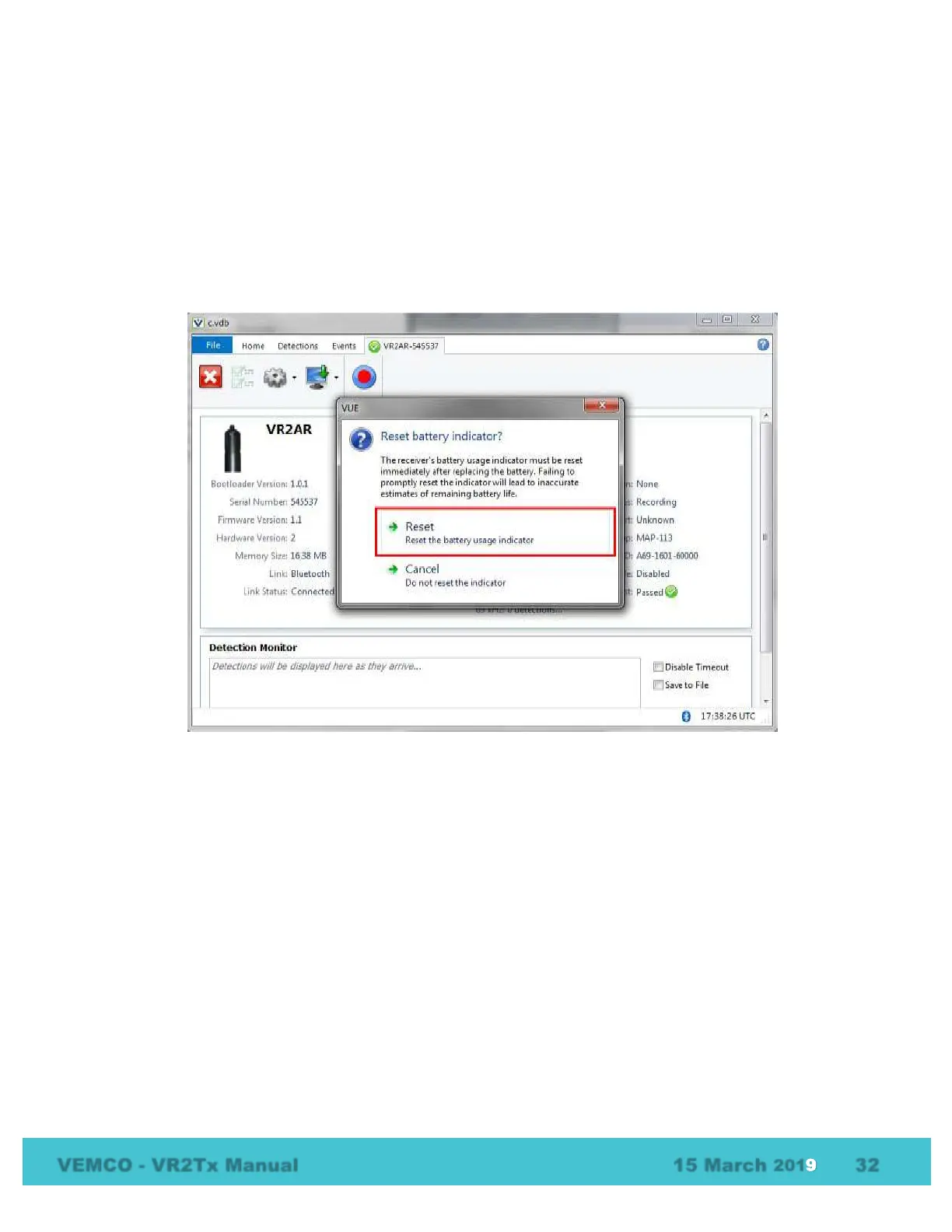
Once VUE has connected to the VR2Tx receiver, it will determine if a BUI reset is required, and display the
following dialog box.
To reset the BUI, click Reset. The reset dialog box disappears, and the receiver and VUE software are now
synchronized with a new date for battery replacement.
Your receiver is now ready for use.



 To Next Page