The Status Light (LED) on a VR2Tx flashes either red or green. Generally, the red flashes are related to
received pings and the green flashes are related to transmitted pings. Just after a VR2Tx is powered, it
performs a self-test and flashes both the green and red lights at the same time, making the light look more of
an orange colour. After these “orange” flashes, you will see either a very long green light to indicate the tests
passed and all is well, or a long red light to indicate there was a problem. If you see the long red light
followed by more flashes, then contact VEMCO for instructions.
When the transmit feature is enabled in the VR2Tx, the status light will flash a quick flash for each ping sent
and a longer green flash to indicate that the pings were recorded in the VR2Tx memory.
6.3 Set Local options
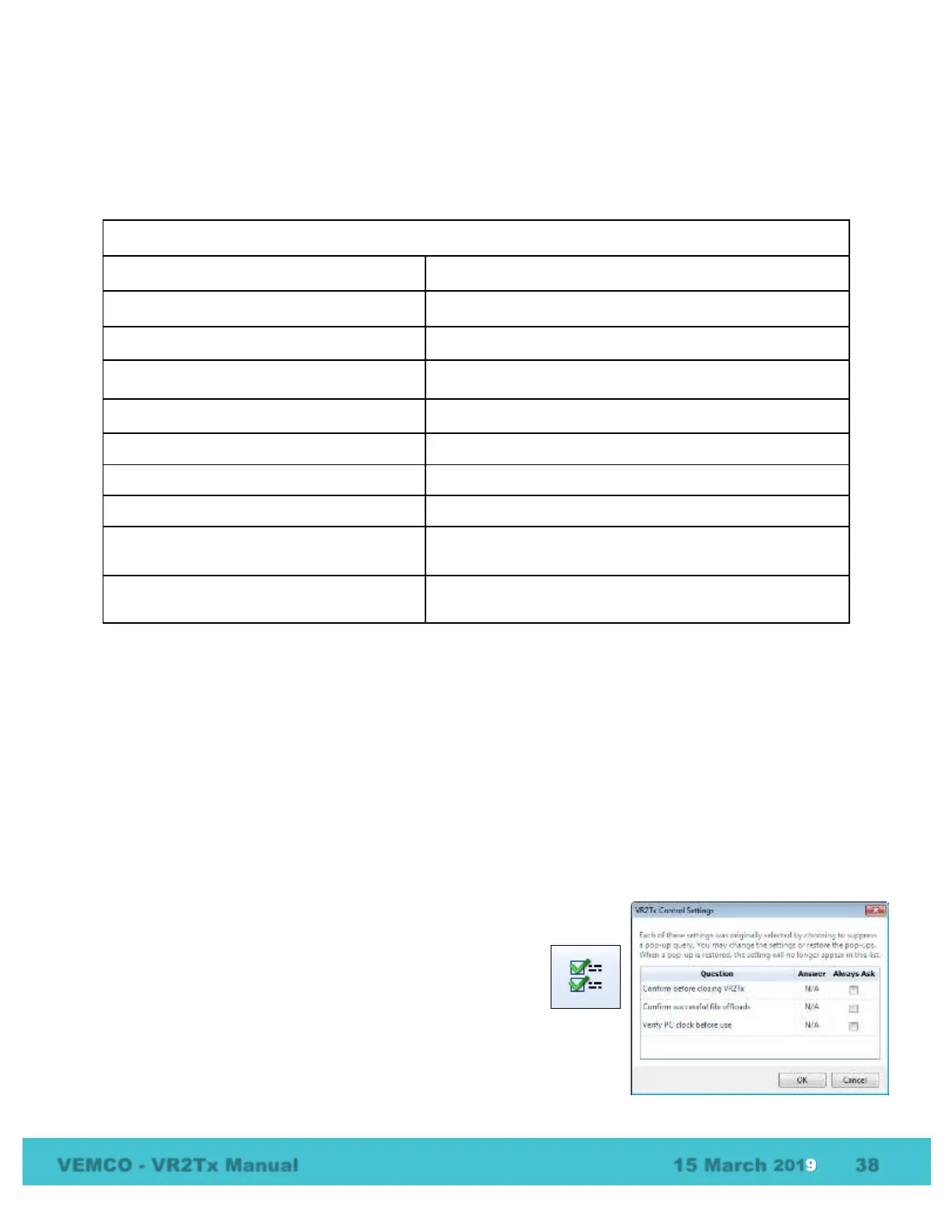
The local options feature (icon shown at right) allows you to
change which suppressed pop-up queries are visible. This
feature is only enabled on the ribbon if there are queries that
have been suppressed. To enable a query, select “Always Ask”
and that query will be enabled the next time that feature is used. For
example, if “Confirm before closing VR2Tx” is selected, then a query will
open the next time a VR2Tx is closed.



 To Next Page