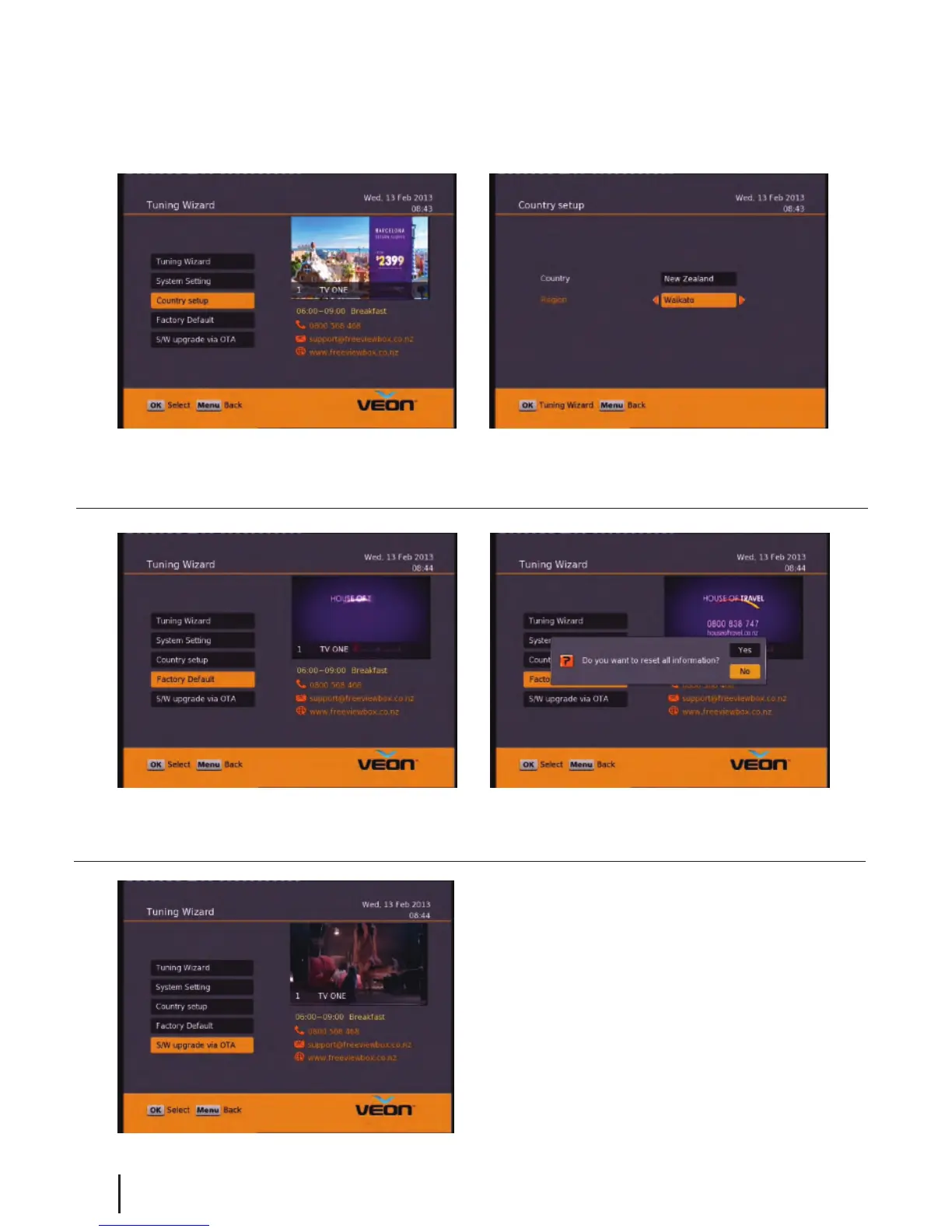
Main Menu - Installation - Country setup/Factory Default/ S/W upgrade via OTA
Country Setup
Here you can change your Region. Setting this to the nearest region to you will ensure you view the Ads for your
area.
Factory Default
This will reset all settings back to factory, deleting all channels and user settings. Default password is
0000.
S/W Upgrade via OTA
This option can be used only if an Over The Air software
update is broadcasted via satellite. The software will only
be broadcast for a few weeks when there is a major
update needed. But if Auto OTA Search in the settings
menu is set to on, you won’t need to use this option.
14


 To Next Page