Signboard Give us your thoughts
32 PCMS Operations, Safety & Maintenance V3.0 Ver-Mac 2018
10.3 Radar Device
A speed radar device is attached directly to the underside of the sign case.
10.4 Sign Display
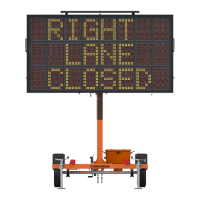
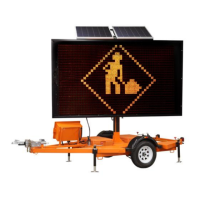
Before putting your PCMS into operation, it can be a good idea to run a pixel text and
verify that all display cards for the signboard are functioning.
Accessing the pixel test varies, depending on the software that controls the signboard.
Login [F4] Utilities [F3] Brightness [F5] Test
Login [4] Setup [4] Tests [1] Chessboard
Login Toggle Menu Option Pixel Test Chessboard
10.5 Signboard Exterior Periodic Maintenance
Crank the signboard up a little and check
main harness cables for wear
Make sure the cable lies loosely on the
battery boxes (not squeezed between sign
case and battery box, not caught in
anything or dragging on the ground)
Check all reflectors at top of case
(in place, unbroken)
Replace as needed
Check door
(closed and undamaged)
Check functioning of dashpot door closers
that hold the face open Replace if broken
Check condition of all rubber T-latch
clamps
(tight, not cracked or loose)
Verify all welds at corners of sign case
Check condition of rubber bungee strap
(not dry or brittle)
Replace as needed before towing
Check condition of any external photocells
Clean as needed


 To Next Page