SETUP
MSAM Card
M425 I
NSTALLATION GUIDE 22
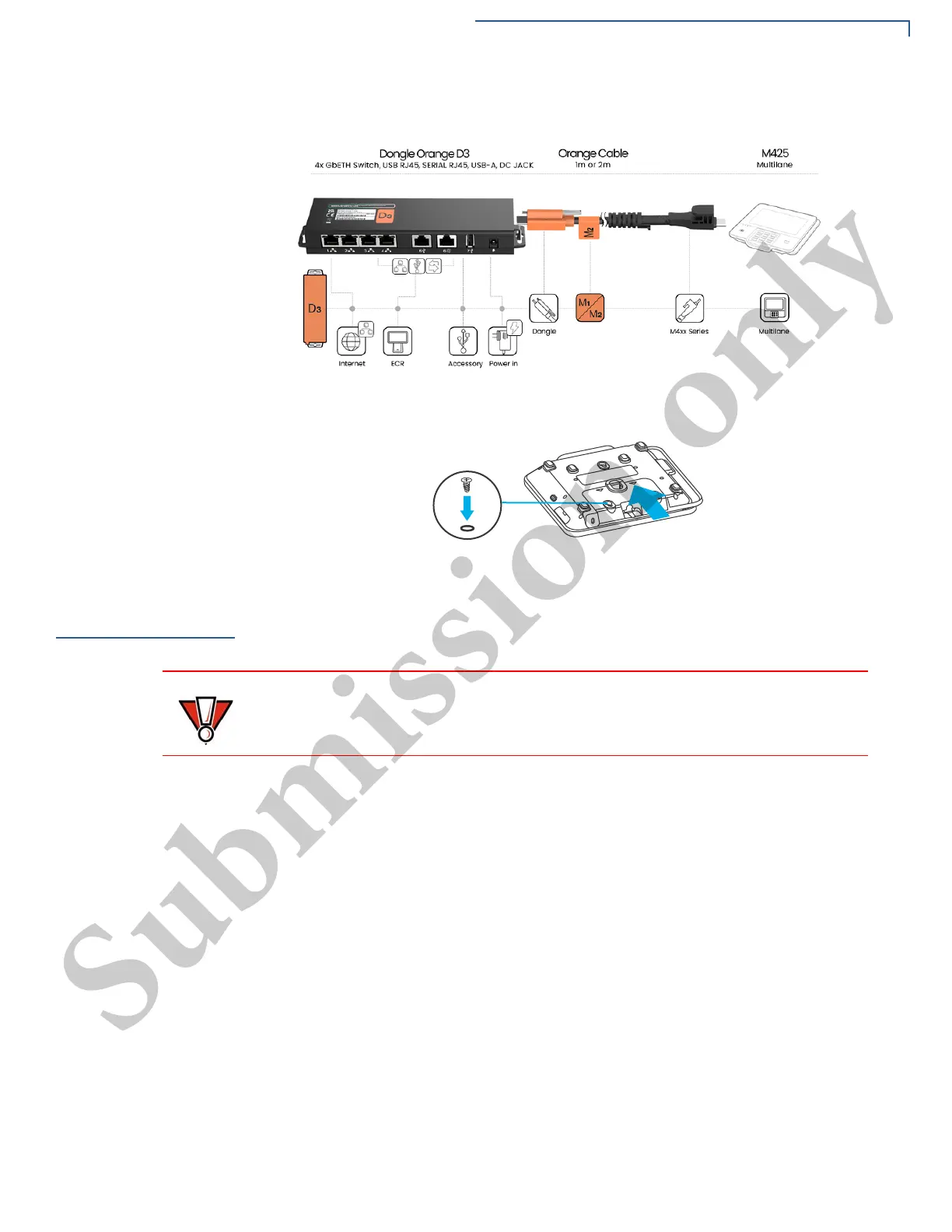
3 Close the cable compartment, insert and tighten the screw as shown below.
Figure 6 Closing Cable Compartment with Back Cover
MSAM Card
You may need to install one or two or three Multiple Security Access Module
(MSAM) cards or replace an old one.
Installing or
Replacing MSAM
Card
To install or replace MSAM cards:
1 Power off the device.
2 Place the device face down on a soft and clean surface.
3 Remove the back cover of the unit.
4 Insert the MSAM cards. Carefully slide the cards one at a time into the slots
until fully inserted. The correct orientation of the MSAM card is as indicated in
the Figure 7.
5 Close the back cover.
Observe standard precautions in handling electrostatically sensitive devices.
Electrostatic discharge can damage the equipment. Verifone recommends using
a grounded anti-static wrist strap.



 To Next Page